LIP-8008E User Guide
19
In iPECS-LIK
To activate Custom or Pre-defined Message Forward:
• Lift the handset,
• Press TRANS/PGM,
• Dial User Program feature code 51,
• Dial the two-digit text Message code (00-20),
• Dial any auxiliary input for messages 01-04 and 06-08,
• Press HOLD/SAVE, forward confirmed.
To cancel activated Message:
• Press TRANS/PGM,
• Dial User Program feature code 51,
• Dial #.
• Press HOLD/SAVE
To program the Station Custom Message (00) at your station:
• Press TRANS/PGM,
• Dial User Program feature code 52,
• Enter Message contents, up to 24 characters, using the
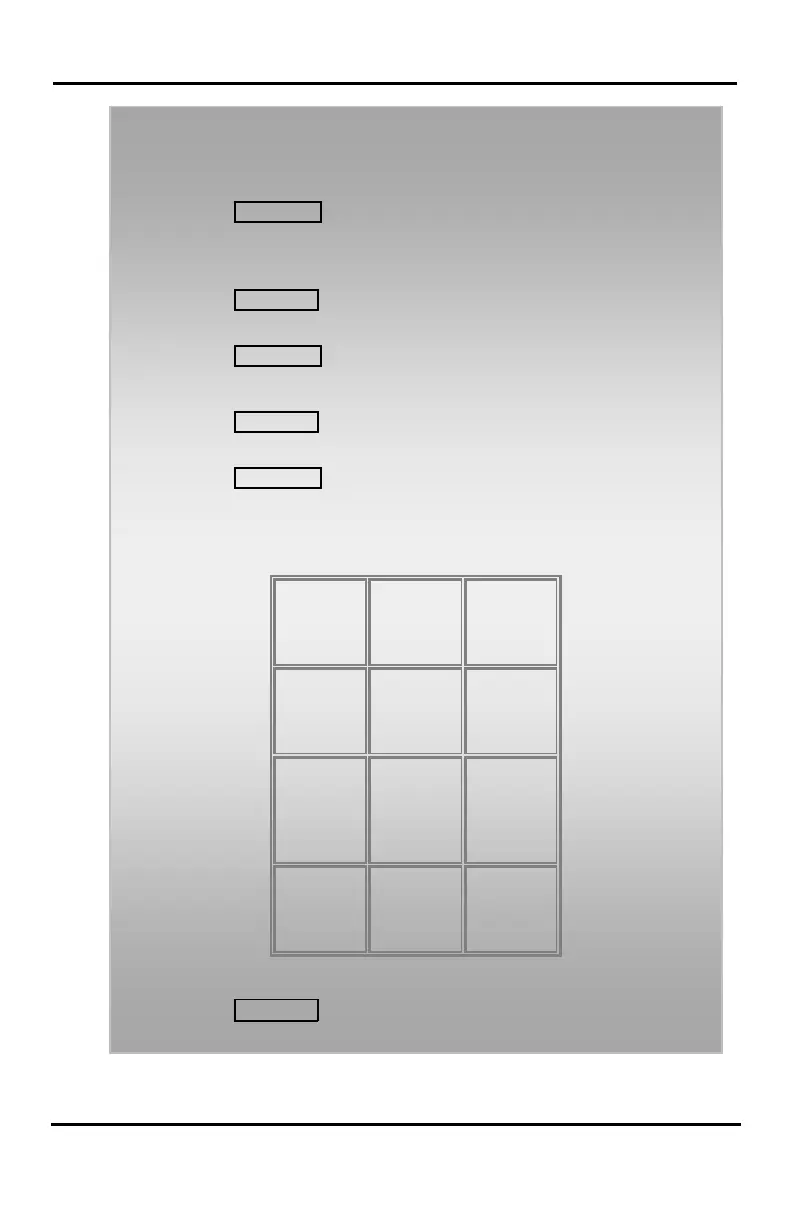
following Character Entry Chart,
Z – 12
. – 13
1 – 10
B - 22
C - 23
2 - 20
E - 32
F - 33
3 - 30
H - 42
I - 43
K - 52
L - 53
N - 62
O - 63
R - 72
S - 73
Q - 7*
T - 81
U - 82
V - 83
8 - 80
X - 92
Y - 93
Z - 9#
Blank
*2 - :
0-00 #
Character Entry Chart
• Press HOLD/SAVE, message saved.









 To Next Page