Chapter 6: Election Day Tasks 95
EVS5200_DOC_SOP_DS850
Software Version 2.10
Published: February 26, 2014
Press the button to the left of the
top red “X” to generate and
display the Not Processed
Ballots report.
If you want to either review or
re-scan the ballots out-stacked
to the top bin, you can remove
them and reset the count for the
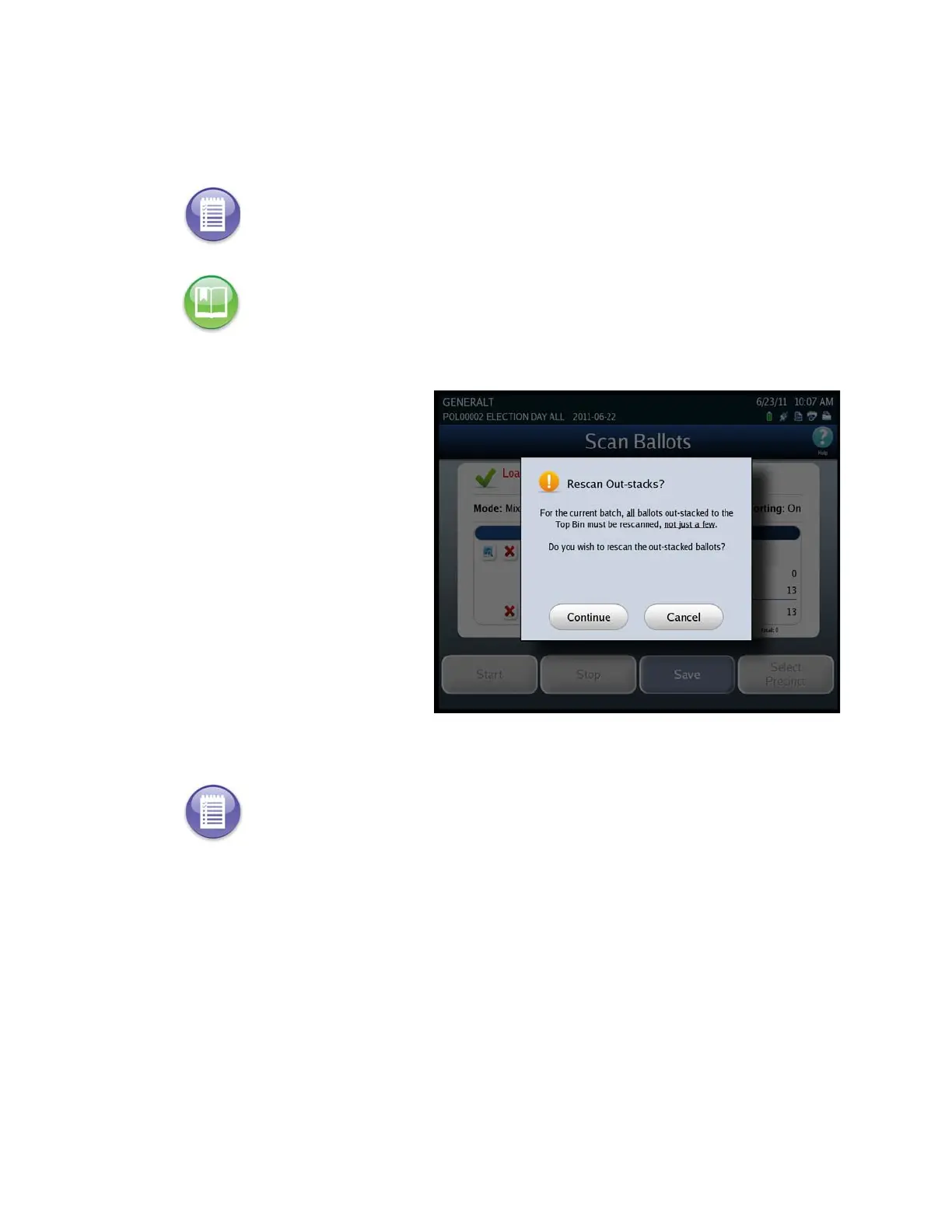
top bin to zero. To reset the
count for the top bin, press the
top red “X”. You will be
prompted to indicate whether
you want to re-scan the ballots. If
you select Continue the Top Bin
count is zeroed out. If you select
Cancel the Top Bin count
remains unchanged.
Note: The red “X” at the bottom of the column is used to delete the entire batch.
Reference: See Delete the Current Batch for instructions on deleting the current batch.
Note: Ballots that are outstacked for “Image Unreadable” or “Ballot Long” conditions and
fail to read after a second scan should be reviewed and processed using the adjudication
procedures established by your jurisdiction.



 To Next Page