Chapter 8: Reports 124
EVS5200_DOC_SOP_DS850
Software Version 2.10
Published: February 26, 2014
Zero Report
Use the Zero Report to ensure all of your contests have zero votes before you begin
scanning ballots. The report displays zeros for all contests, indicating that no ballots
have been scanned. You cannot print this report after ballots have been scanned on the
DS850.
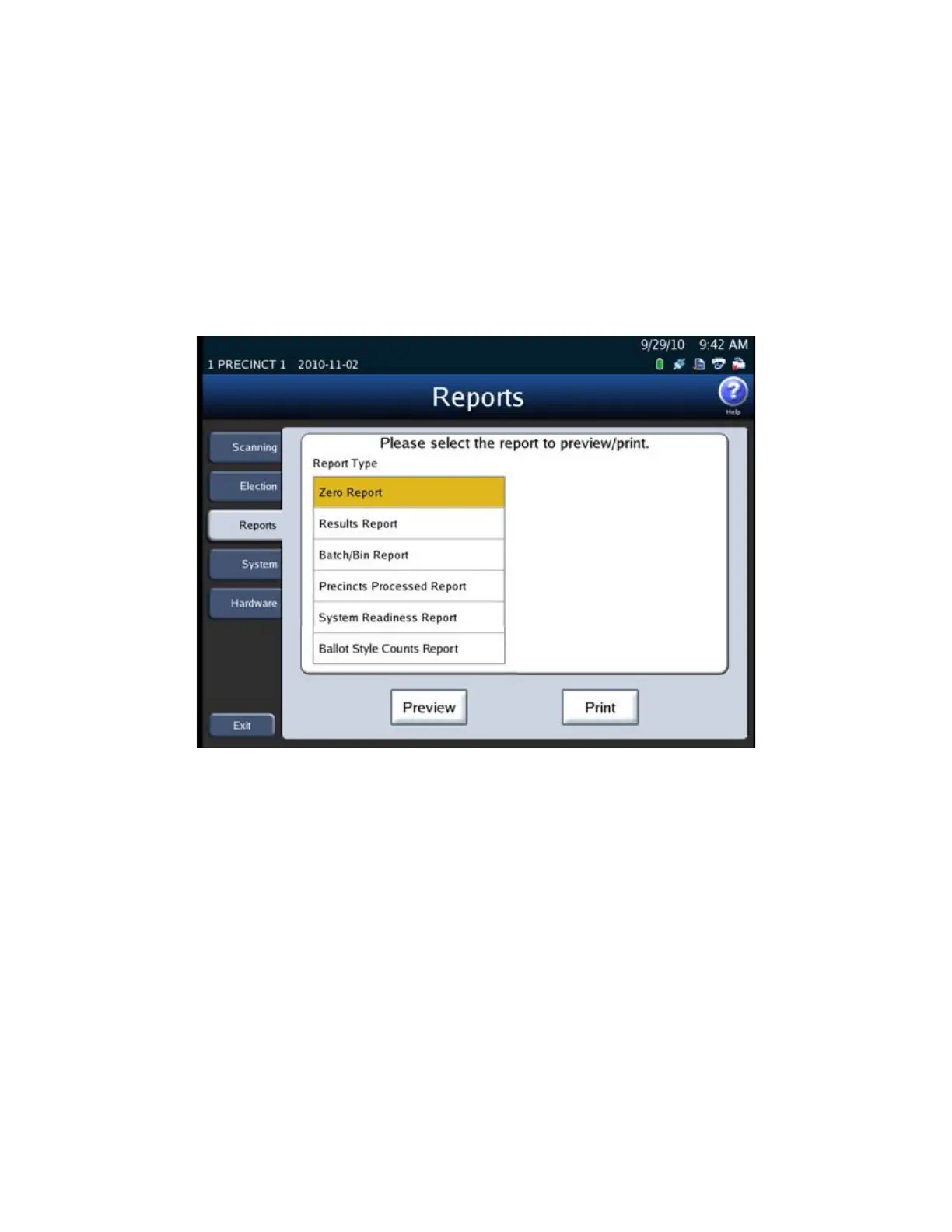
The following is an example of the screen that is displayed when the Zero Report is
selected from the Reports menu.
Follow the steps below to preview or print the Zero Report:
1. From the Reports menu, press Zero Report in the Report Type field.
2. Press Preview to the view the report on the touch screen, or press Print to print the
report on the laser printer.



 To Next Page