Chapter 3: DS850 User Interface 33
EVS5200_DOC_SOP_DS850
Software Version 2.10
Published: February 26, 2014
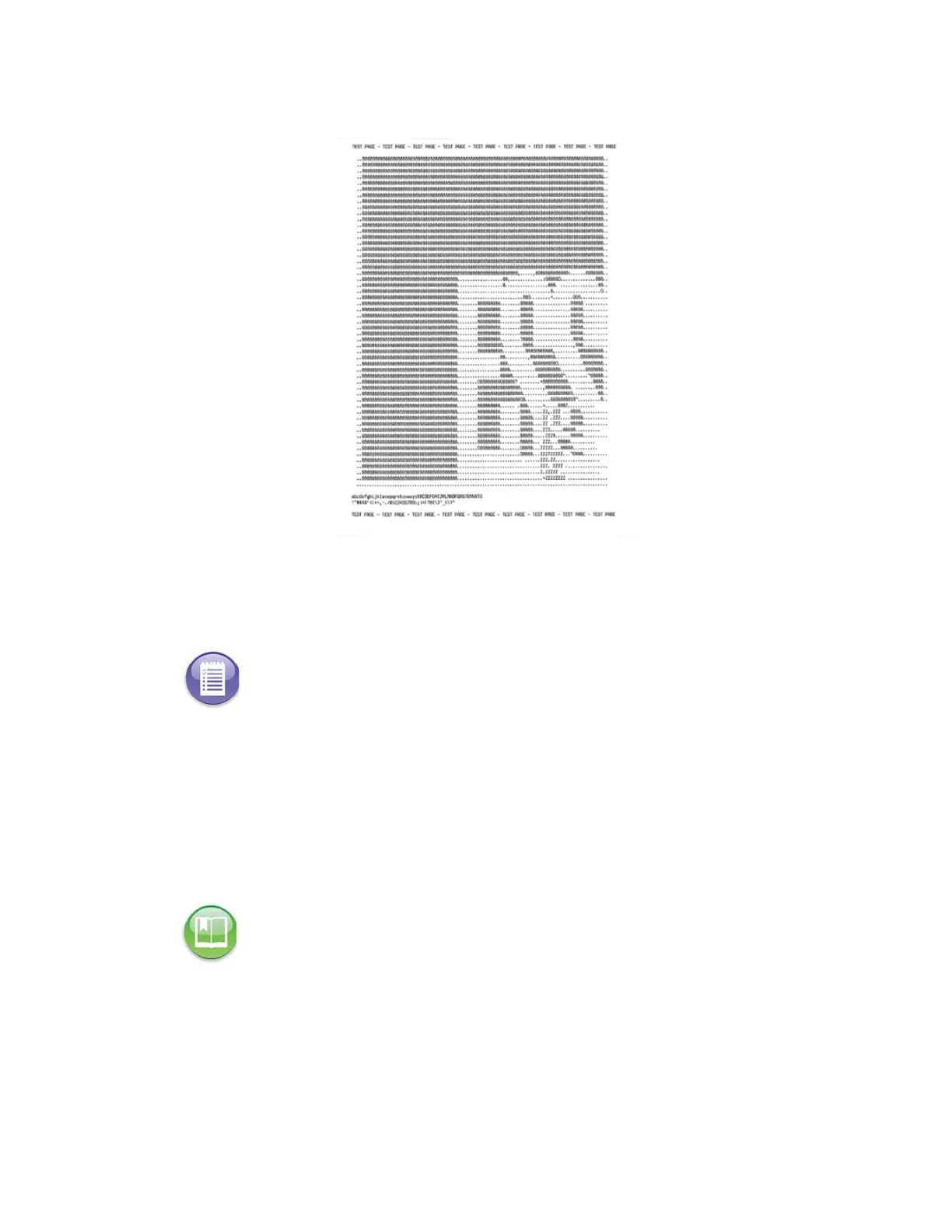
A test page, similar to the one below, prints from the log printer:
Audio
Camera
From the Camera screen, you can calibrate the camera and adjust the camera’s
threshold, adaptive tolerance, and despeckle settings. These tasks should only be
performed by trained personnel.
Transport
From the Transport screen, you can set the ballot transport settings, as well as exercise
individual components of the DS850 transport. The Transport screen lists the following
options:
Note: This section refers to future functionality that is not currently available on the DS850.
Reference: See the ES&S DS850 System Maintenance Guide for more information on the
tasks that can be performed from the Camera screen.



 To Next Page