Chapter 3: DS850 User Interface 26
EVS5200_DOC_SOP_DS850
Software Version 2.10
Published: February 26, 2014
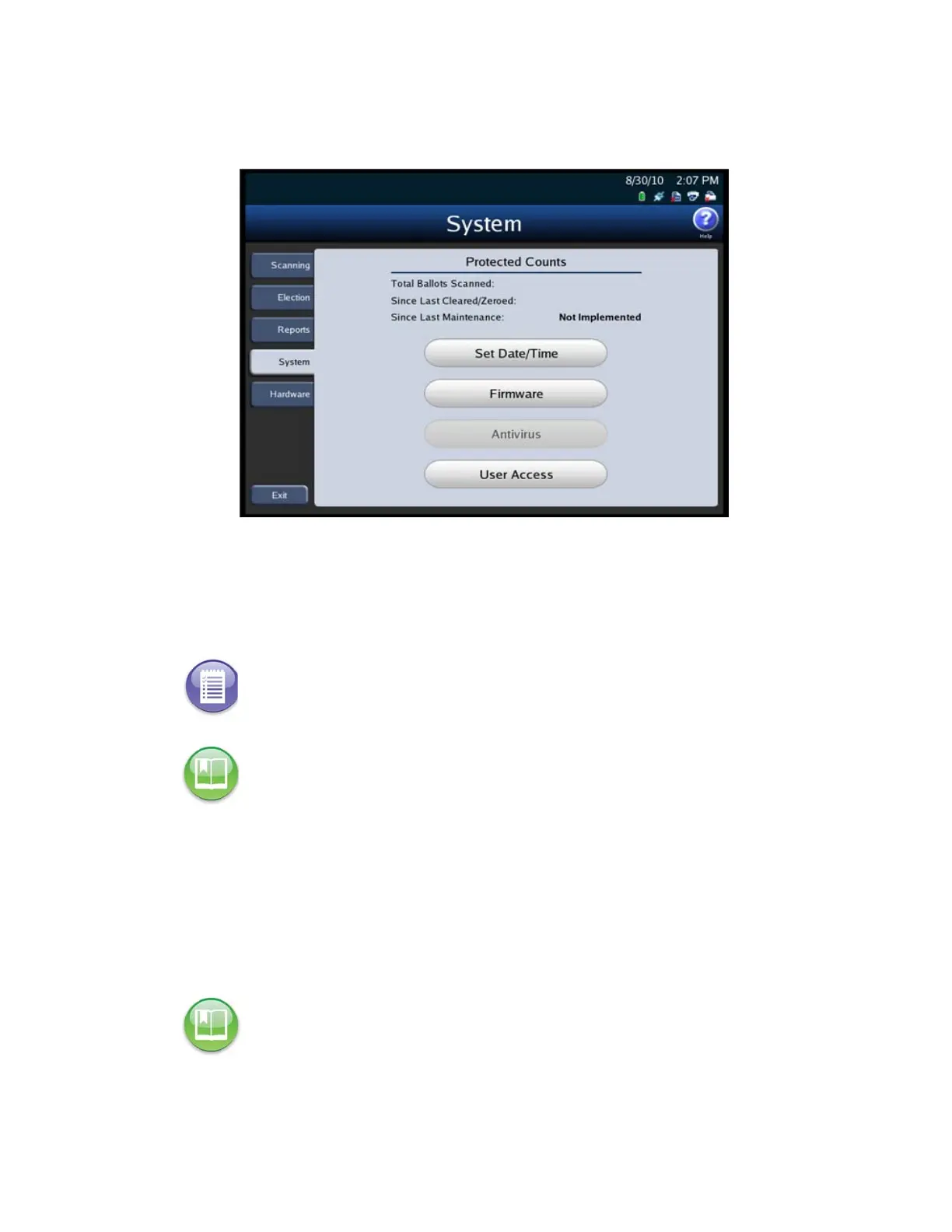
The following is an example of the System menu.
Set Date/Time
The Set Date/Time option allows you to change the date, time, or both on the DS850.
Firmware
Press Firmware on the System menu to access the Firmware screen. On the Firmware
screen, you can see the version of the firmware loaded onto the DS850 and other
information about the machine.
Note: The scanner’s date and time settings cannot be changed when the scanner contains
ballot data.
Reference: See Set Date/Time for the steps that must be taken to change the scanner’s
system date and time.
Reference: For detailed instructions on loading new firmware, refer to the ES&S DS850
System Maintenance Guide.



 To Next Page