Chapter 5: Pre-Election Day Tasks 81
EVS5200_DOC_SOP_DS850
Software Version 2.10
Published: February 26, 2014
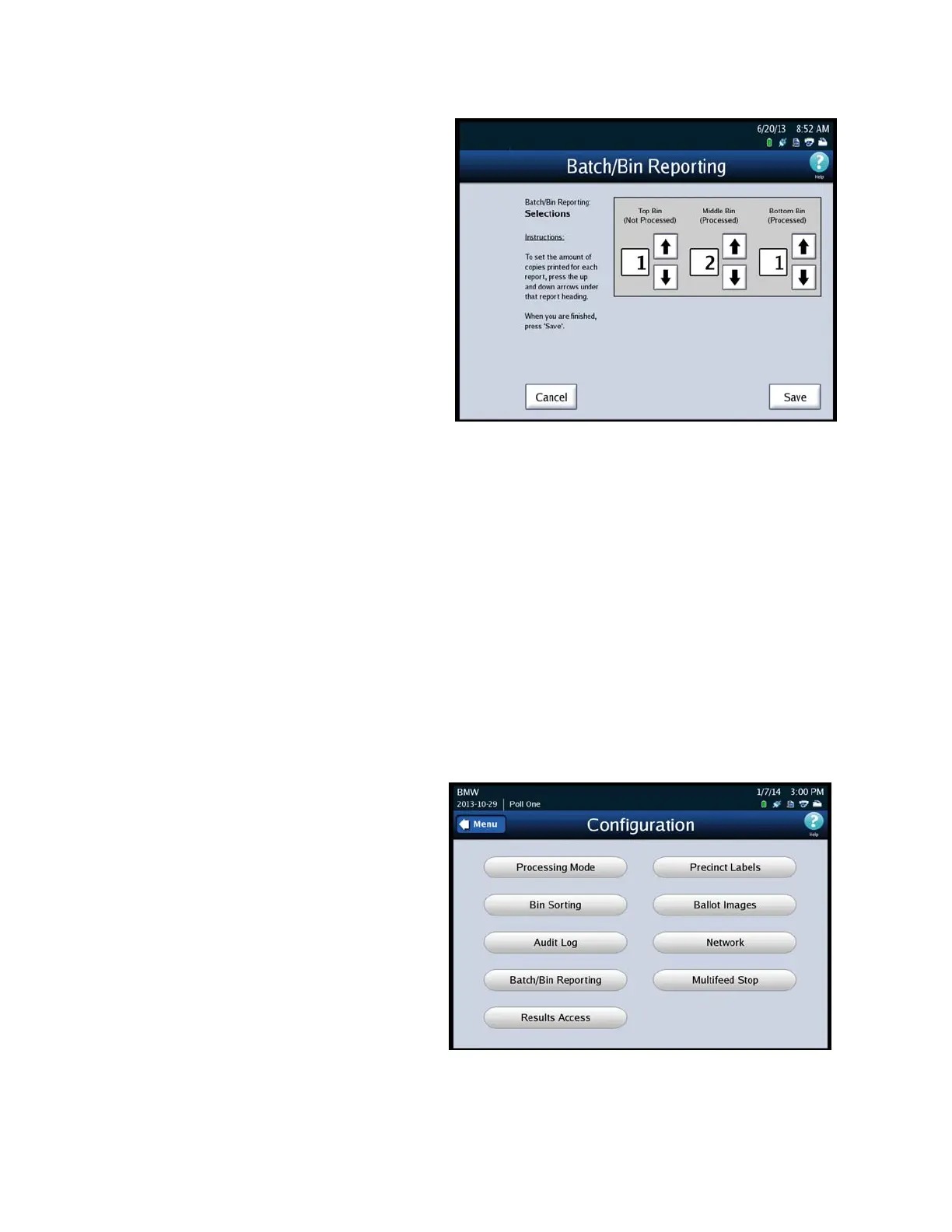
4. When the Batch/Bin Reporting
selections screen appears, use
the up and down arrows to
change the number of copies to
be printed for each report type:
Top Bin, Middle Bin and Bottom
Bin.
5. When you are finished, press
Save to save the changes, or
press Cancel to cancel the
changes.
Results Access
The Results Access option will allow jurisdictions to restrict access to the Results Report
and vote collection process before polls have closed. This option will restrict access to
the following DS850 screens:
Reports selection screen option - Results Report
Results menu screen options
• Export Results
• Export Files
• Backup menu screen option - Collection
1. From the Election Menu select Configure.
2. Select Results Access.



 To Next Page