Chapter 5: Pre-Election Day Tasks 51
EVS5200_DOC_SOP_DS850
Software Version 2.10
Published: February 26, 2014
Installing the UPS
Installation of the UPS involves connecting the bottom battery connector to the top
battery connector.
Follow the steps below to install the UPS:
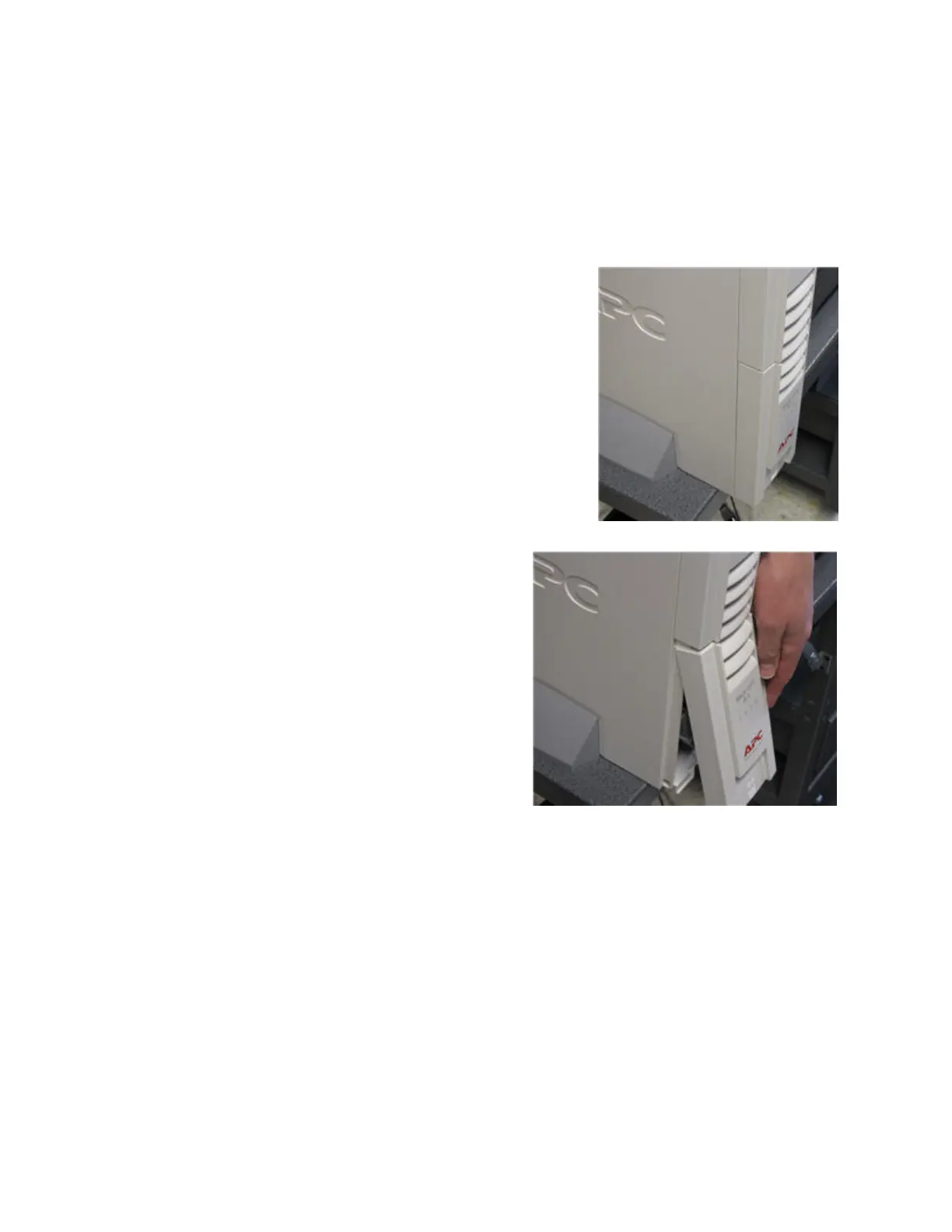
1. Move the UPS so that the front panel of the UPS
hangs over the edge of the table as shown in the
picture on the right.
2. Press down on the front panel and then
slide it off as shown in the picture on the
right.



 To Next Page