Chapter 3: DS850 User Interface 23
EVS5200_DOC_SOP_DS850
Software Version 2.10
Published: February 26, 2014
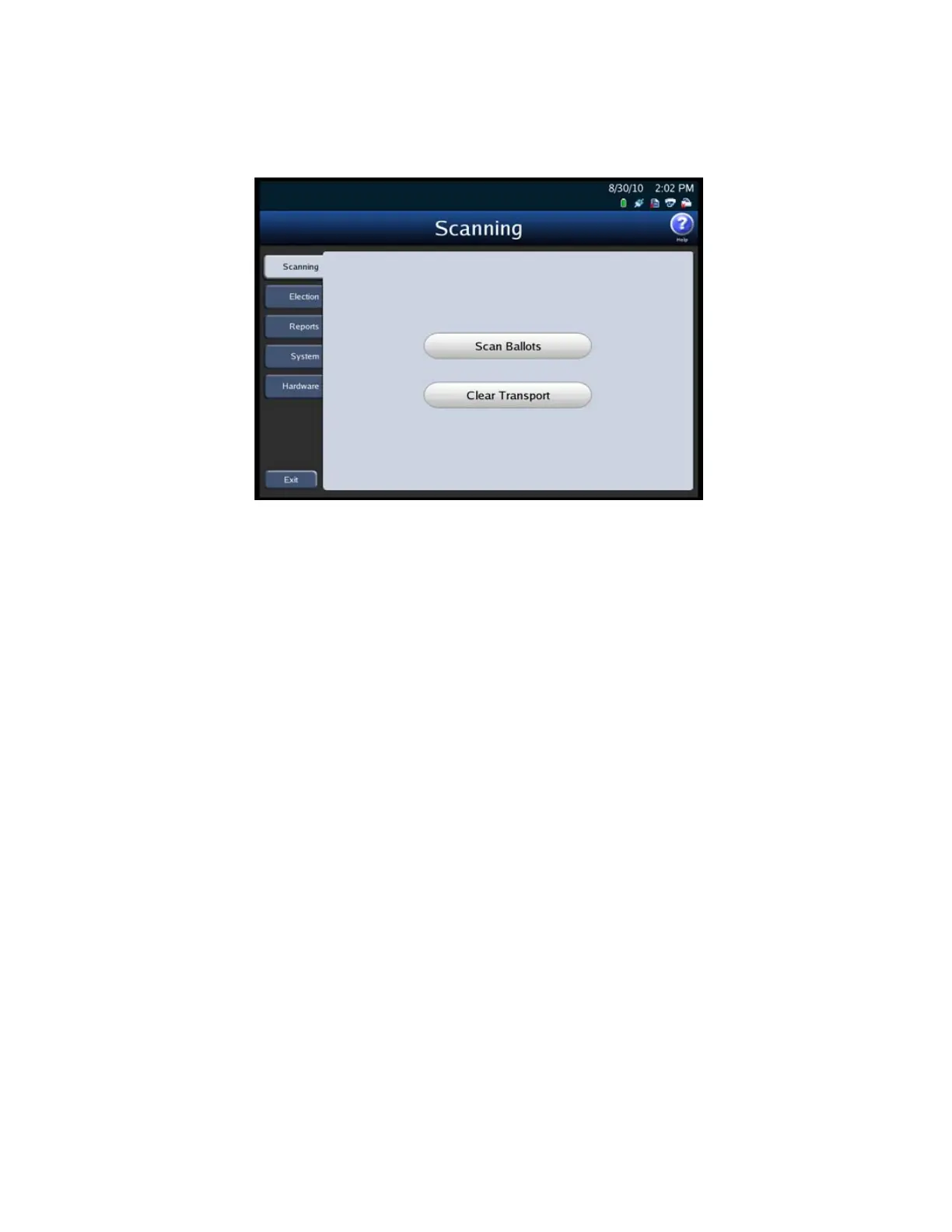
The following is an example of the Scanning menu.
Election Menu
Use the Election menu to load an election definition, view election setup information,
export election results, and to set your scanner configuration options.



 To Next Page