Chapter 5: Pre-Election Day Tasks 55
EVS5200_DOC_SOP_DS850
Software Version 2.10
Published: February 26, 2014
Setting Up the Report Printer
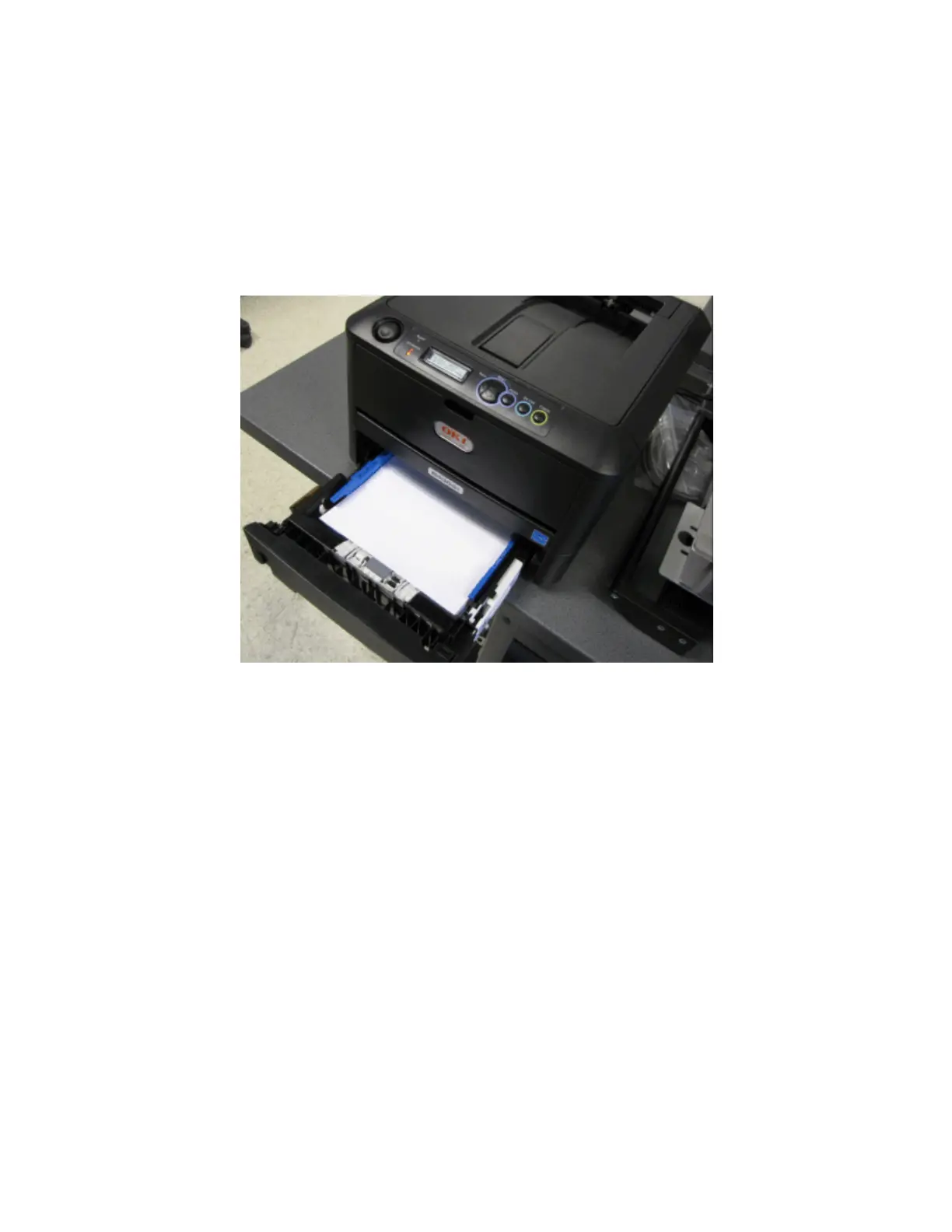
The laser printer is used to print reports. Before using the printer, make certain that the
printer is connected to the power jack that has surge protection only on the UPS, there
is paper in the printer and it is powered on.
The following is an example of a laser printer.



 To Next Page