Chapter 6: Election Day Tasks 110
EVS5200_DOC_SOP_DS850
Software Version 2.10
Published: February 26, 2014
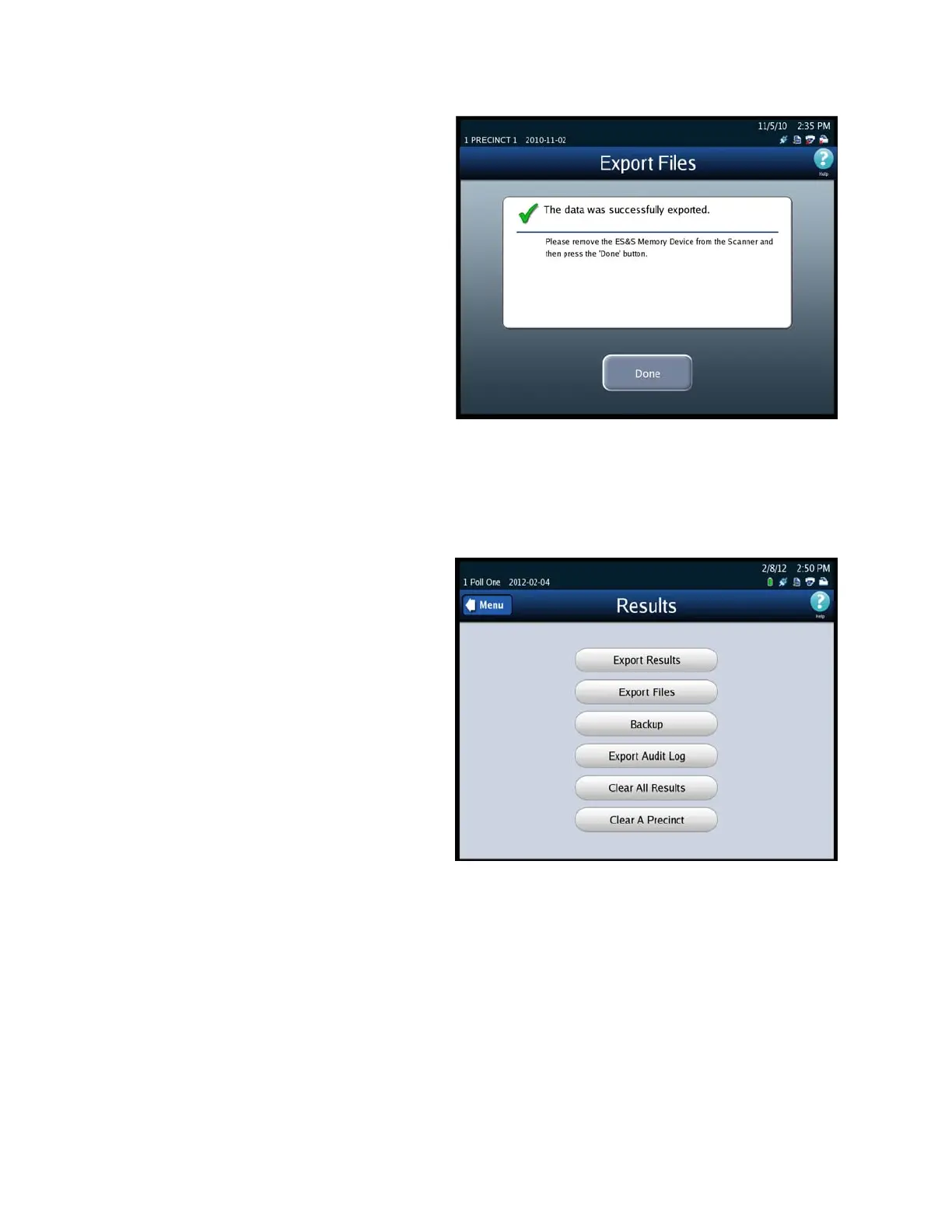
9. The Export Files screen will
indicate when the data has
been successfully exported.
Remove the flash drive. Then
press Done to return to the
Results screen.
Backup
Follow the steps below to perform the Archive Data function:
1. Press Election to display the
Election menu.
2. From the Election menu, press
Results to display the Results
screen.
3. From the Results screen, press
Backup. The Election Code
screen appears.



 To Next Page