Chapter 6: Election Day Tasks 98
EVS5200_DOC_SOP_DS850
Software Version 2.10
Published: February 26, 2014
Delete the Current Batch
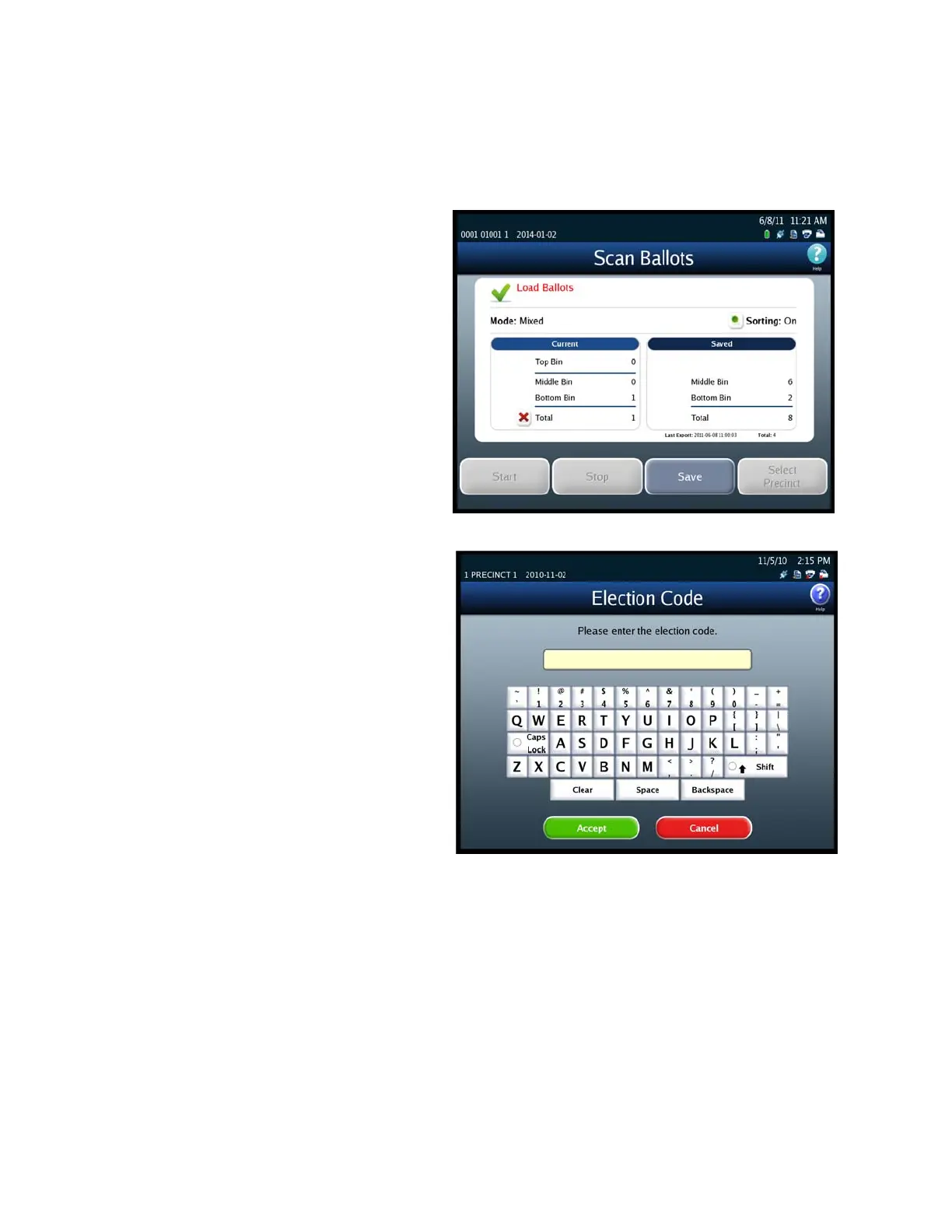
Follow the steps listed below to delete a batch of scanned ballots:
1. Press the red “X” to the left of
the Total line in the Current
column.
2. When prompted, enter the
Election Code and then press
Accept.



 To Next Page