Chapter 6: Election Day Tasks 97
EVS5200_DOC_SOP_DS850
Software Version 2.10
Published: February 26, 2014
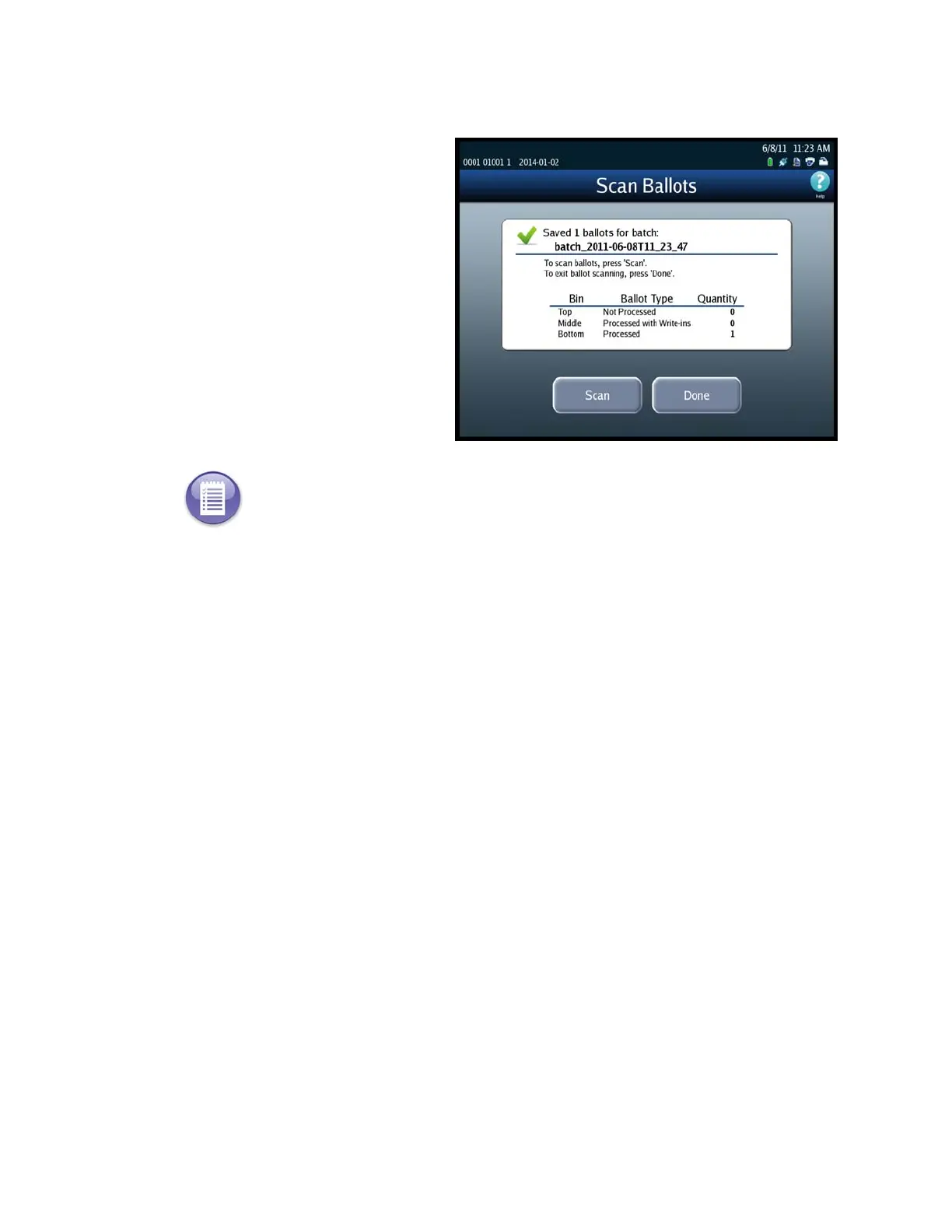
After you press Save, a popup
screen containing the following
message will display briefly:
“The batch ballot data is being
saved.” After the data has been
saved, the popup screen closes
and a screen similar to the one
shown below is displayed.
At this point, you can press
Done or Scan. If you press
Done, the Scanning menu is
displayed. If you press Scan, the
Scan Ballots screen is displayed,
allowing you to scan another
batch of ballots.
Note: If you press Scan, when the Scan Ballots screen opens, the quantities in the Current
column will be all zeros, and the quantities in the Saved column will have been updated to
include the quantities in the saved batch.



 To Next Page