Chapter 5: Pre-Election Day Tasks 88
EVS5200_DOC_SOP_DS850
Software Version 2.10
Published: February 26, 2014
Network
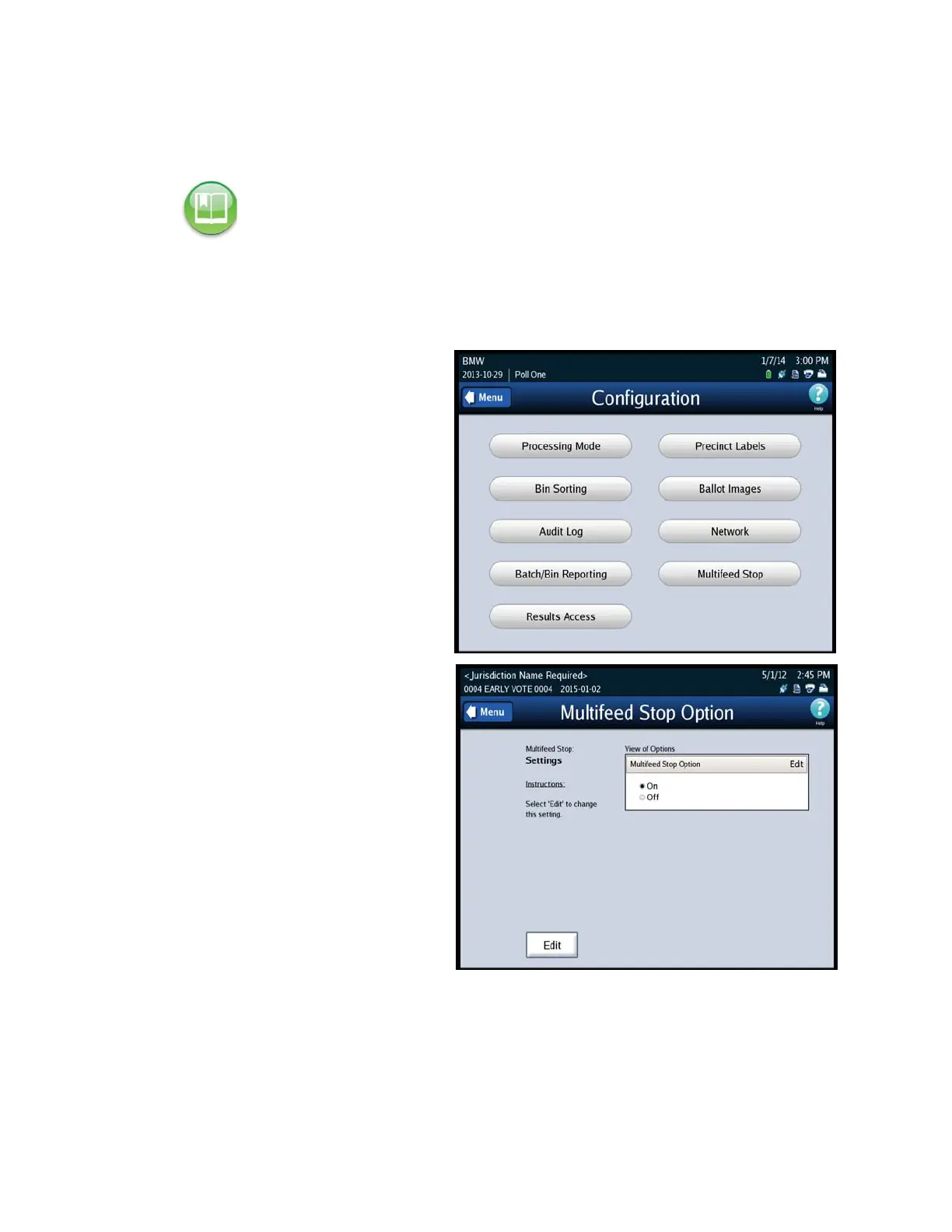
Multifeed Stop
1. Select Multifeed Stop on the
Configuration screen to access
the Ballot Images settings
screen.
2. Press Edit to select you option
to turn on or off the multifeed
detection.
Note: See Chapter 9: DS850 Network for instructions on using a network.



 To Next Page