Chapter 5: Pre-Election Day Tasks 87
EVS5200_DOC_SOP_DS850
Software Version 2.10
Published: February 26, 2014
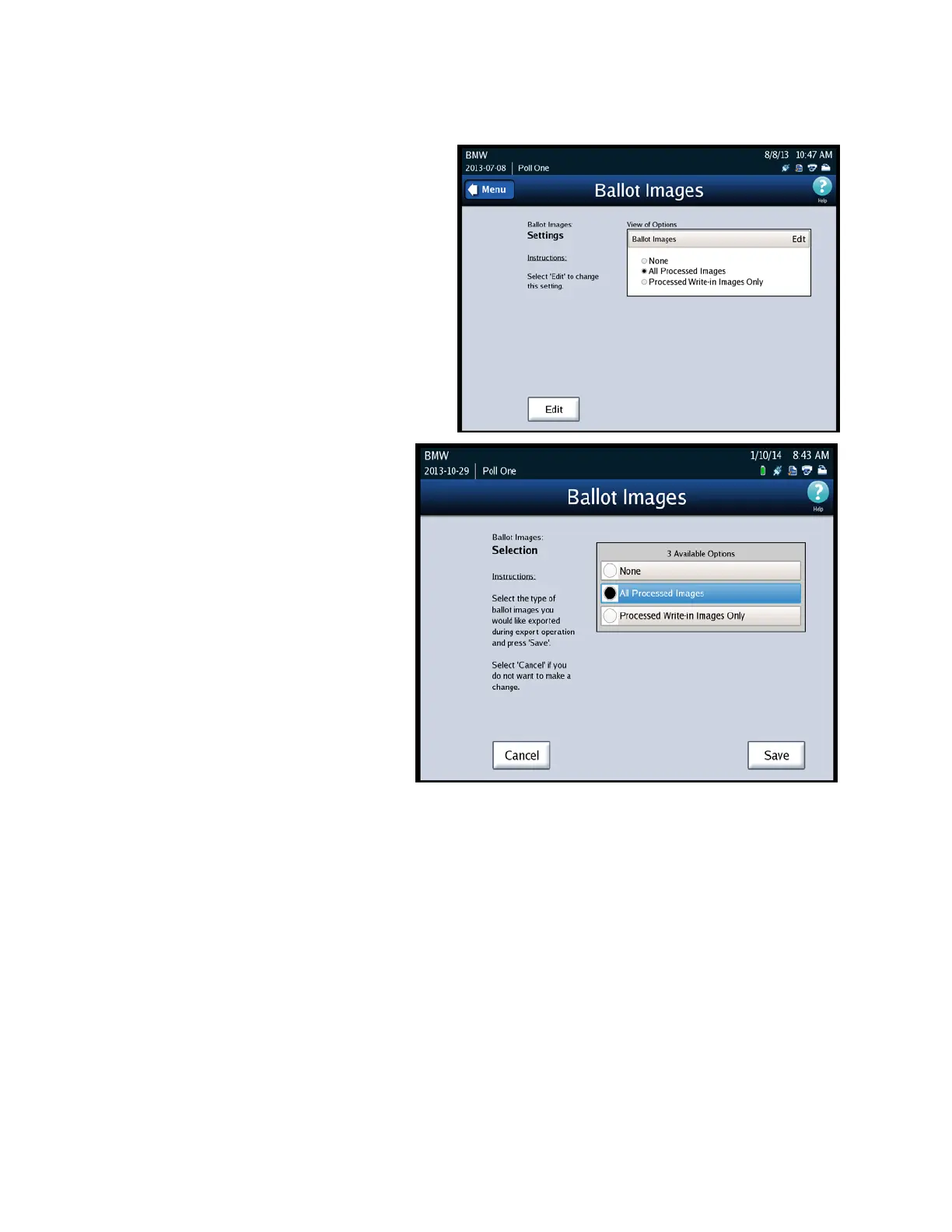
2. Press Edit to update the selections.
3. You will be able to select from
one of the following options:
• None
• All Processed Images
• Processed Write-In Images
Only
4. After you make your
selection, press Save to
save your selection, or
press Cancel to exit.



 To Next Page