Chapter 6: Election Day Tasks 113
EVS5200_DOC_SOP_DS850
Software Version 2.10
Published: February 26, 2014
Export Audit Log
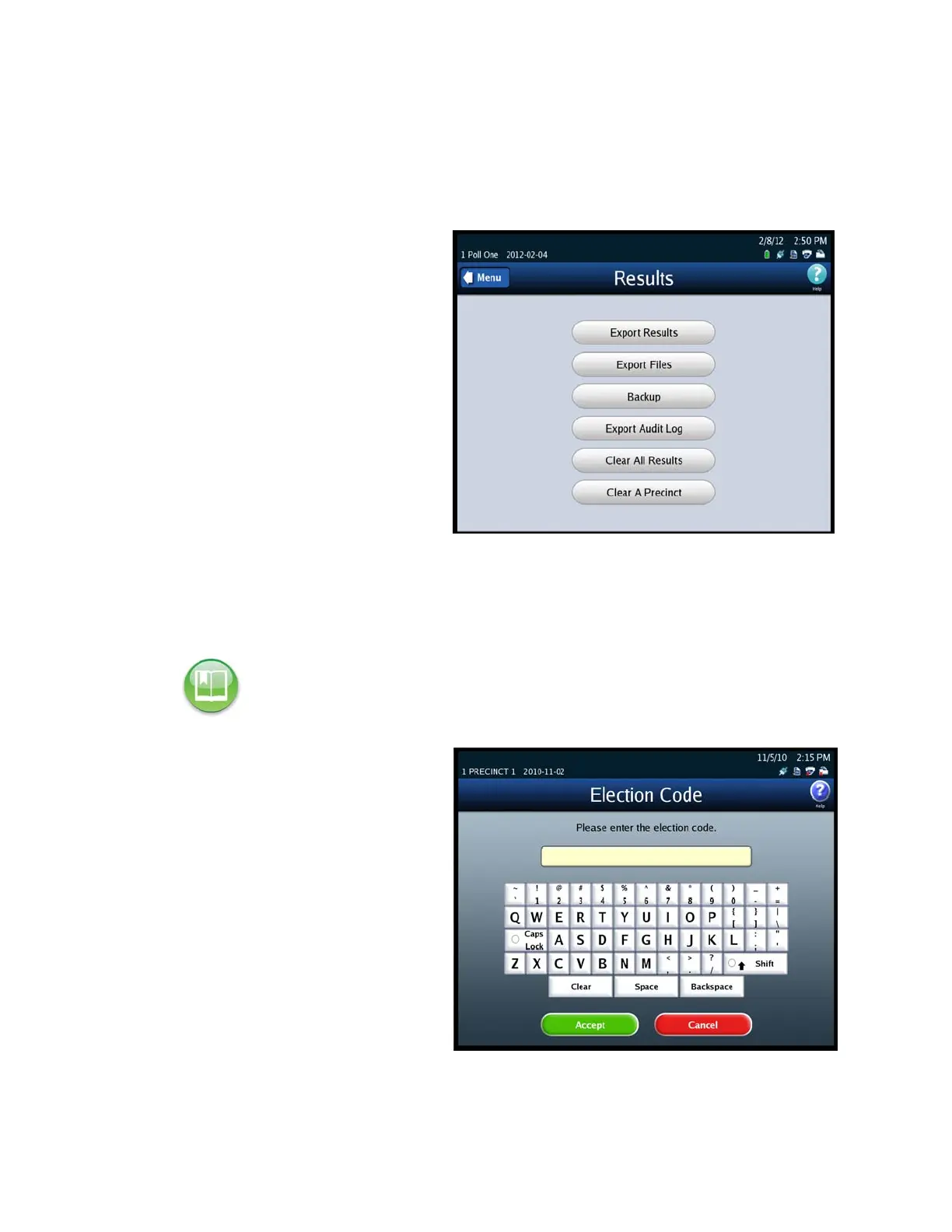
Follow the steps below to perform the Export Audit Log function:
1. Press Election to display the
Election menu.
2. From the Election menu, press
Results to display the Results
screen.
3. From the Results screen, press
Export Audit Log. This displays
the Searching for ES&S Media
Device pop-up screen.
4. Insert the Election Definition
Media Device flash drive or a
blank ES&S Media Device flash
drive into one of the scanner’s
USB ports. The previous
pop-up screen is temporarily
replaced by a Detecting
inserted device pop-up screen.
Then, the Election Code screen
appears.
5. Enter the Election Code and
then press Accept.
Reference: See Using USB Media Devices for instructions.



 To Next Page