Chapter 3: DS850 User Interface 30
EVS5200_DOC_SOP_DS850
Software Version 2.10
Published: February 26, 2014
Hardware Menu
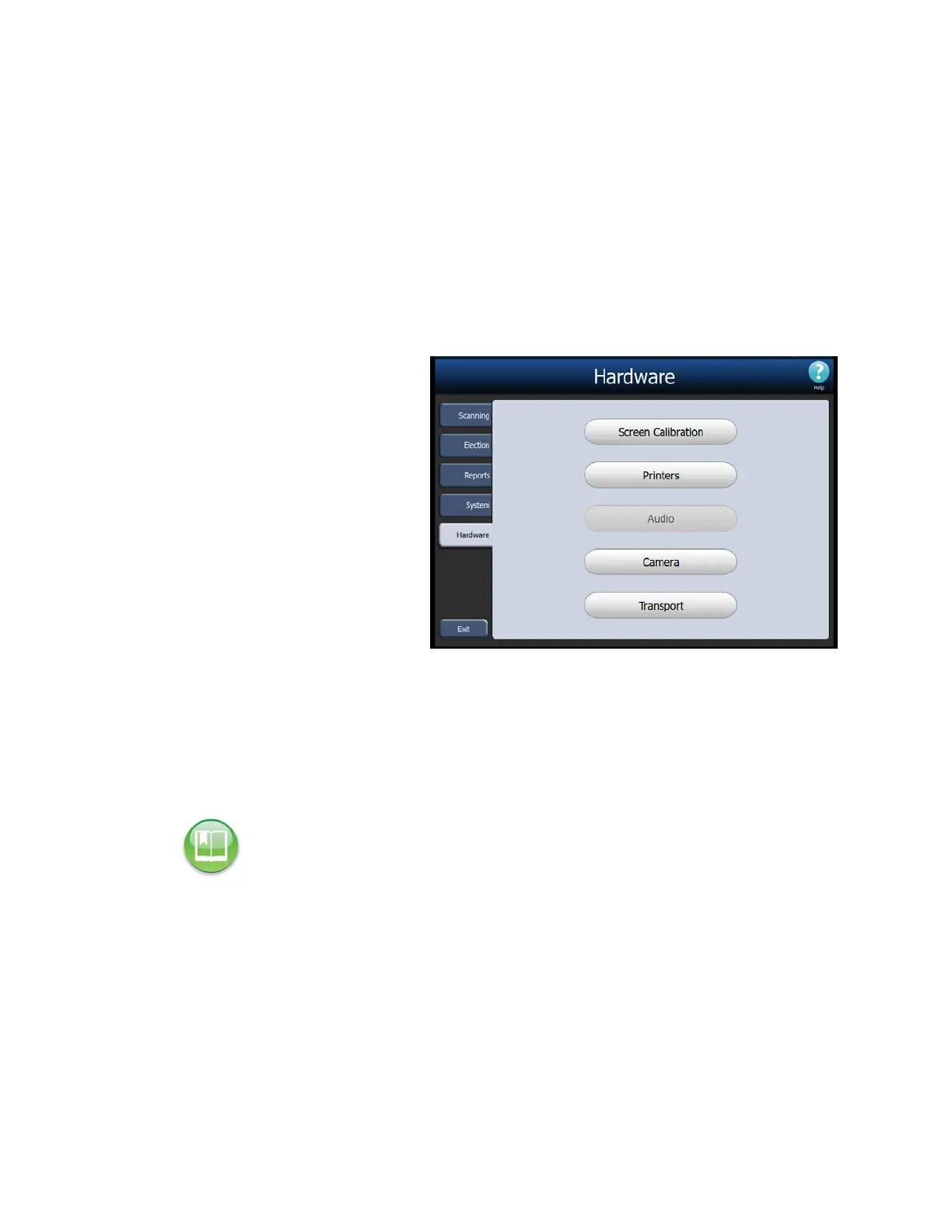
The Hardware menu lists the following options:
Screen Calibration
Printers
Audio
Camera
Transport
The following is an example of
the Hardware menu.
Screen Calibration
Press Screen Calibration to calibrate the scanner’s touch screen.
Printers
The Printers option on the Hardware menu allows you to print test pages on the report
and log printers.
Follow the steps below to print test pages on these printers:
1. From the Hardware menu, press Printers.
Reference: Refer to the ES&S DS850 System Maintenance Manual for further information on
calibrating the scanner’s touch screen.



 To Next Page