Chapter 3: DS850 User Interface 31
EVS5200_DOC_SOP_DS850
Software Version 2.10
Published: February 26, 2014
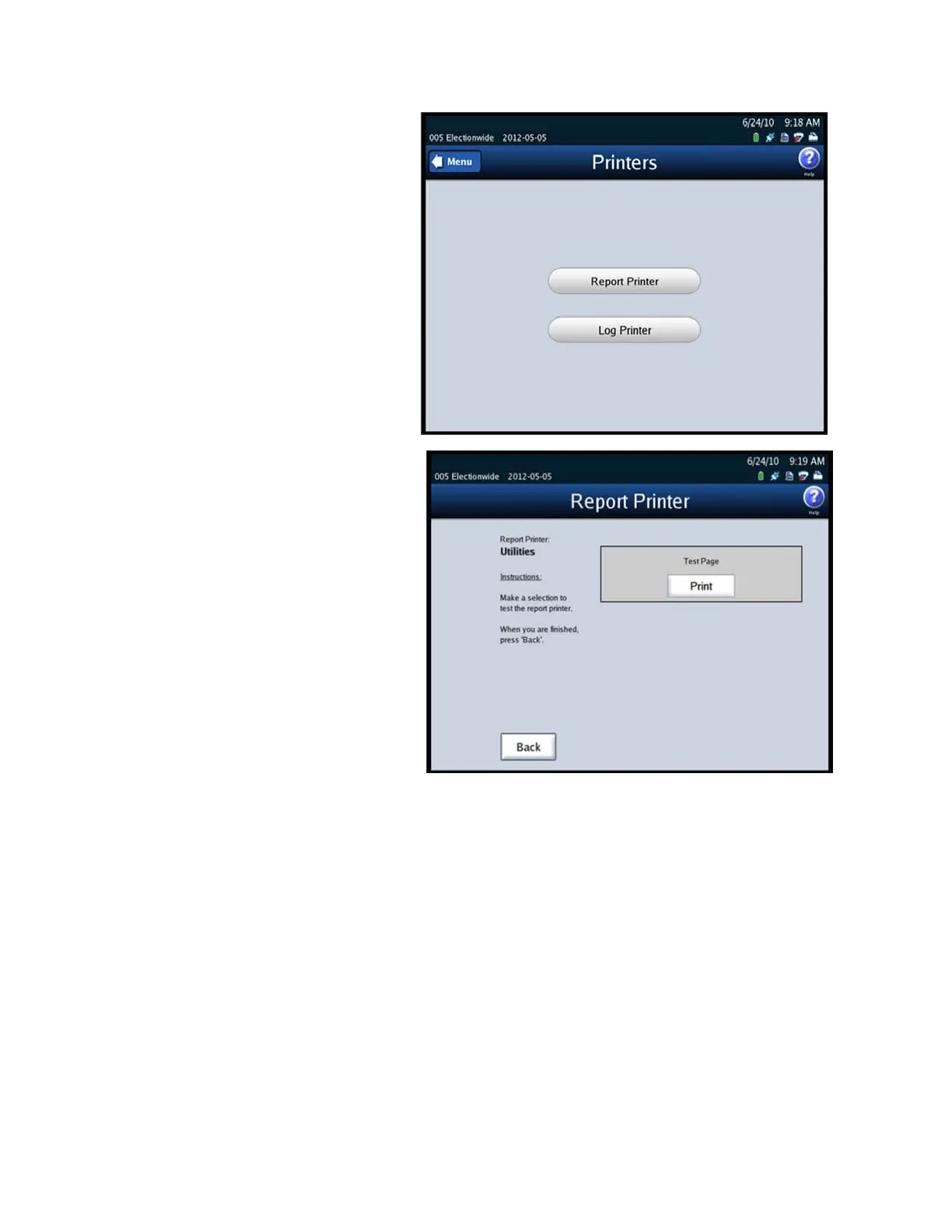
2. When the Printers screen
appears, press either
Report Printer or Log
Printer.
If you select Report Printer,
the Report Printer screen
appears. On the Report
Printer screen, press Print
to print a test page on the
report printer. When you
are finished, press Back.
A test page, similar to the
one below, prints from the
report printer:



 To Next Page