Chapter 3: DS850 User Interface 32
EVS5200_DOC_SOP_DS850
Software Version 2.10
Published: February 26, 2014
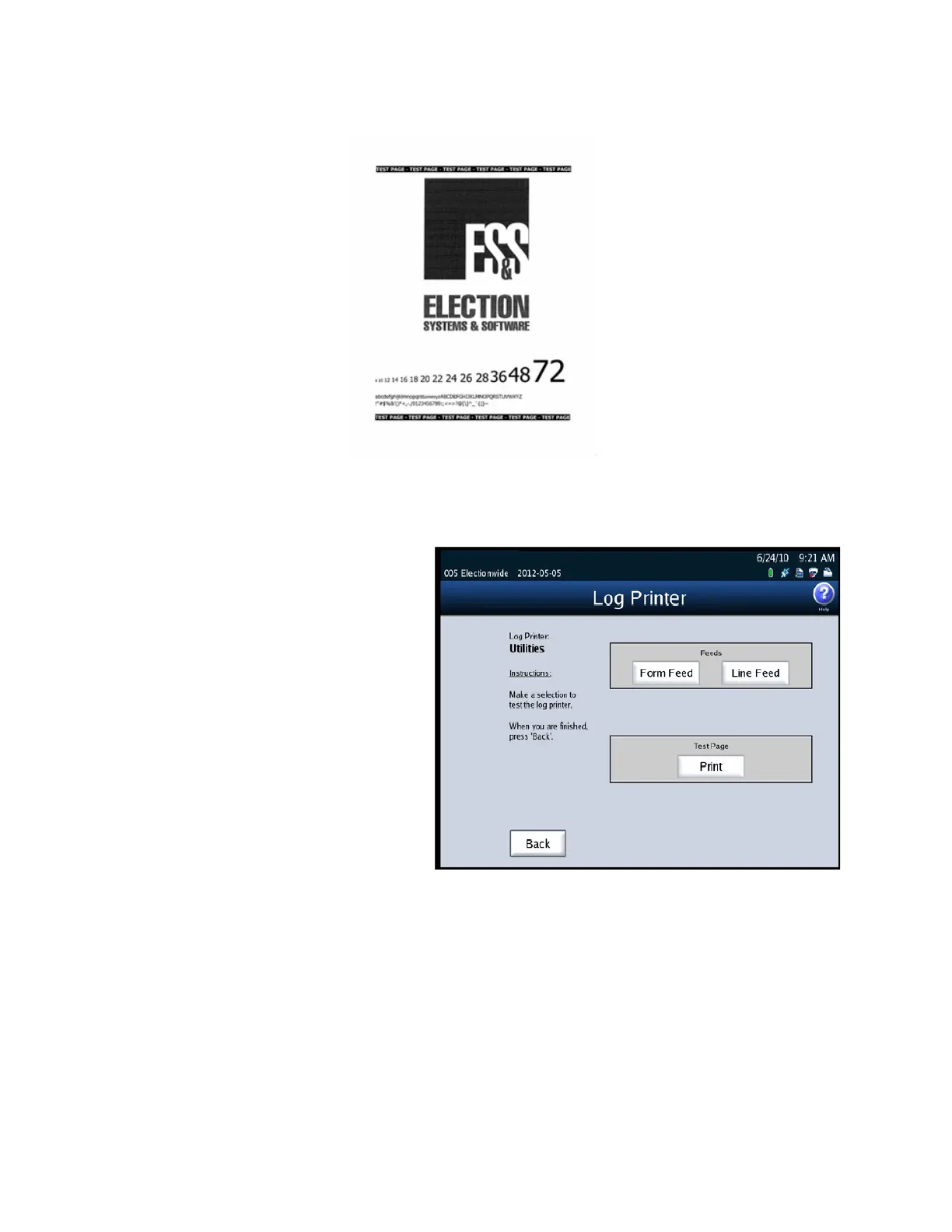
If you select Log Printer, the
Log Printer screen appears.
On the Log Printer screen,
use the Form Feed and Line
Feed buttons to advance the
paper in the log printer to
the point at which you want
printing to begin. Then press
Print to print the test report
on the log printer. When you
are finished, press Back.



 To Next Page