Chapter 5: Pre-Election Day Tasks 71
EVS5200_DOC_SOP_DS850
Software Version 2.10
Published: February 26, 2014
Configuring the Scanner
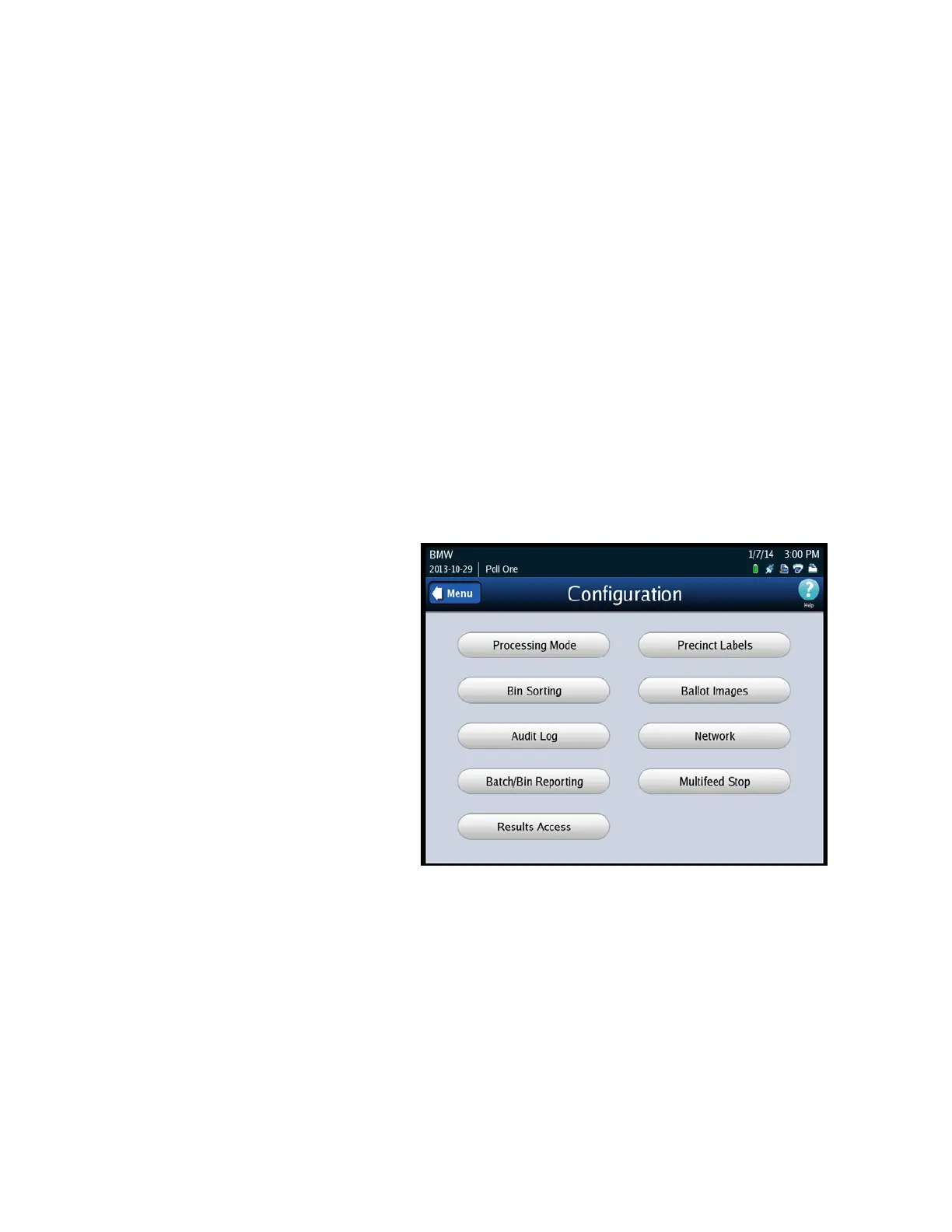
Use the Configuration screen to change the DS850’s configuration settings from the
default settings established in ElectionWare. This screen can be accessed by selecting
Configuration from the Election menu screen. The following items are listed on the
Configuration screen:
Processing Mode
Bin Sorting
Audit Log
Batch/Bin Reporting
Results Access
Precinct Labels
Ballot Images
Network
Multifeed Stop
The following is an example
of the Configuration screen.



 To Next Page