Chapter 3: DS850 User Interface 36
EVS5200_DOC_SOP_DS850
Software Version 2.10
Published: February 26, 2014
Interface
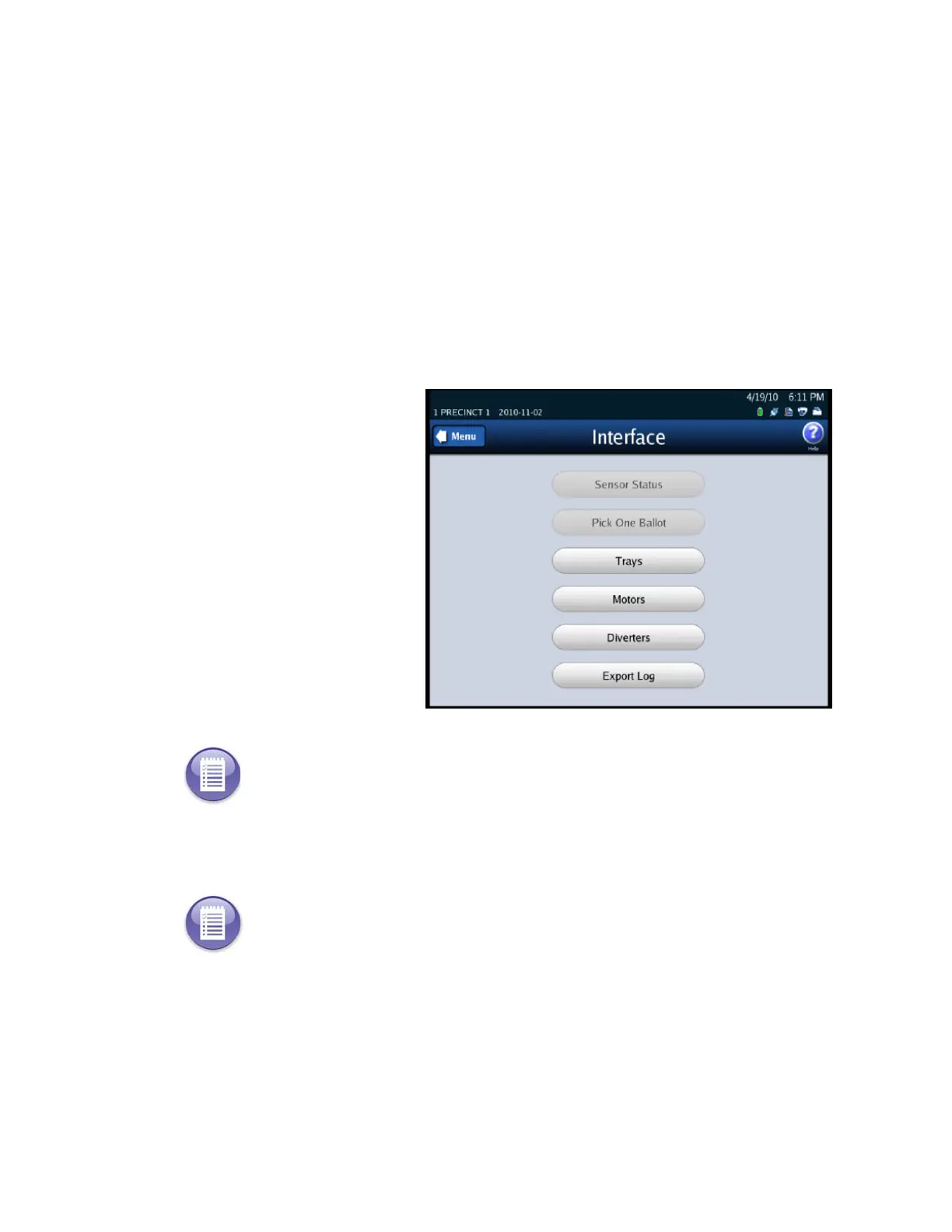
The Interface screen lists the following options:
Sensor Status
Pick One Ballot
Trays
Motors
Diverters
Export Log
The following is an example of
the Interface screen.
Sensor Status
Pick One Ballot
Note: This section refers to future functionality that is not currently available on the DS850.
Note: This section refers to future functionality that is not currently available on the DS850.



 To Next Page