Chapter 5: Pre-Election Day Tasks 54
EVS5200_DOC_SOP_DS850
Software Version 2.10
Published: February 26, 2014
Setting Up the Audit Log Printer
The dot matrix printer is used to print the continuous audit log. Before using the printer,
make certain that there is plenty of paper in the printer and that the printer is connected
to the UPS and powered on.
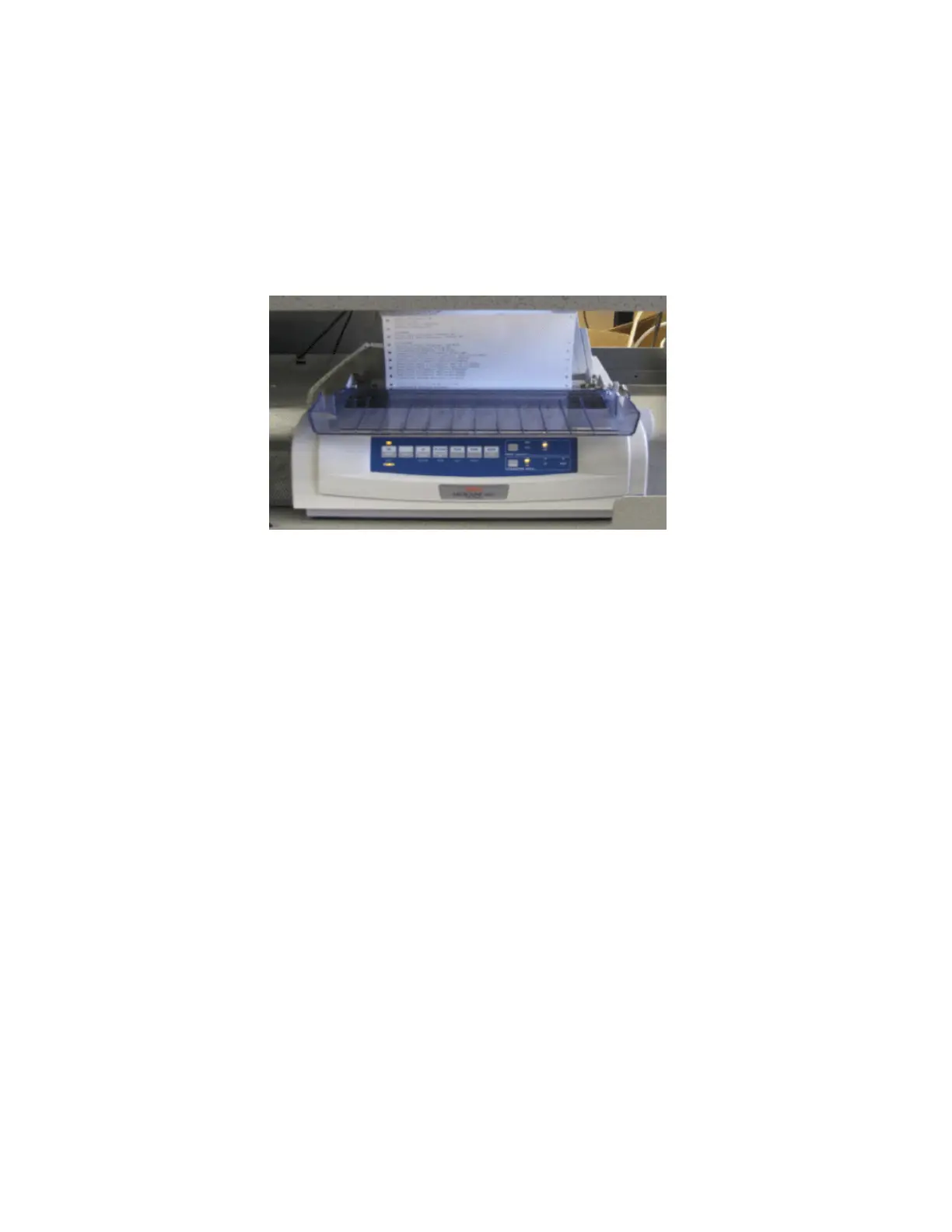
The following is an example of a dot matrix printer.
Follow the steps below to configure the dot matrix printer using the buttons on the
front panel of the printer:
1. Verify that there is plenty of paper in the printer.
2. Verify that the printer is powered on.
3. Press and hold SHIFT and then press SEL to enable the menu.
4. Release SHIFT.
5. Press LF. The printer control emulation is displayed on the printer.
6. Press TEAR repeatedly until the “Epson FX” mode prints.
7. Press and hold SHIFT, and then press SEL to save the setting.



 To Next Page