Chapter 3: DS850 User Interface 43
EVS5200_DOC_SOP_DS850
Software Version 2.10
Published: February 26, 2014
Locking the Scanner
If an election definition has been loaded on the scanner and if User Access is enabled,
you can lock the scanner to prevent unauthorized users from modifying the scanner
configuration or performing other scanner functions from the touch screen.
Follow the steps listed below to lock the scanner:
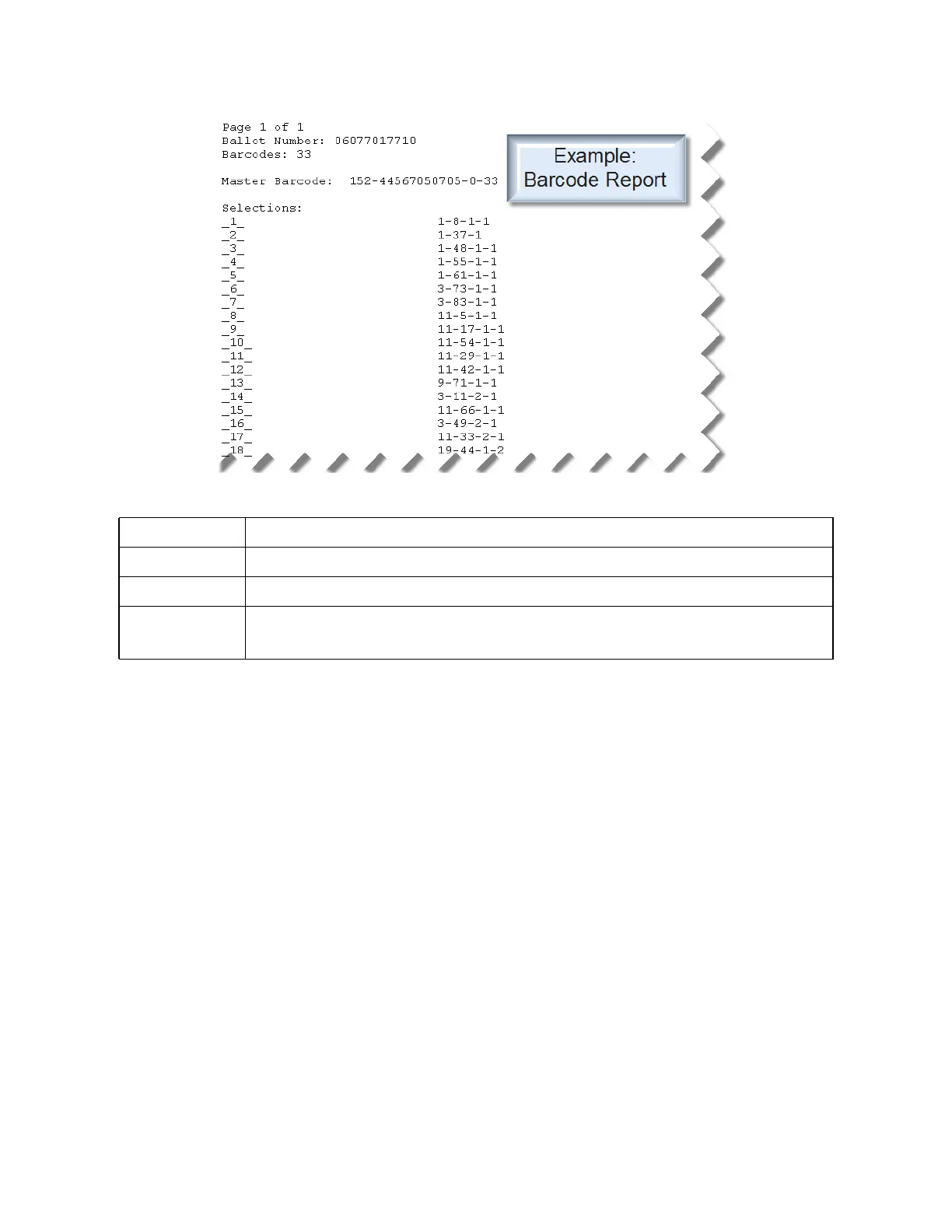
Ballot Number DS850 assigned scan number
Barcode Number of selection barcodes on the card
Master Barcode <internal precint id><internal ballot id><write-in count><total selection barcode count>
Selections each row indicates the position of the candidate/response on the corresponding ballot.
<column><row><side><sheet number>



 To Next Page