Chapter 5: Pre-Election Day Tasks 82
EVS5200_DOC_SOP_DS850
Software Version 2.10
Published: February 26, 2014
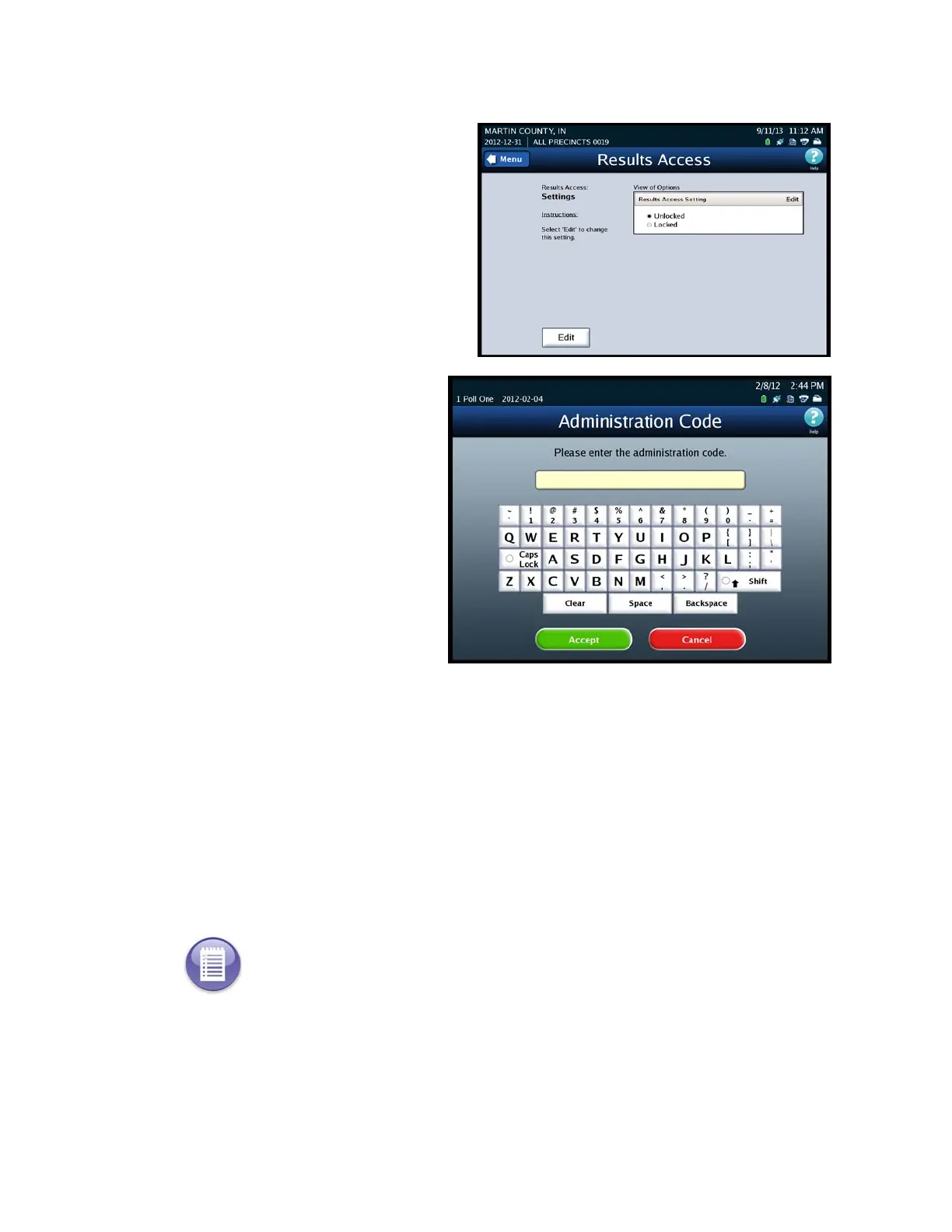
3. On the Results Access screen
press Edit to update your option.
4. Enter the Administration
Code.
5. Select one of the following options:
• Unlocked - Results Report and vote process options are available.
• Locked - The following options are restricted from use:
The Reports selection screen option - Results Report
Results menu screen options
• Export Results
• Export Files
• Backup menu screen option - Collection
6. Press Save to save your current option.
Note: If the user attempts to use any of the locked functions they will receive a message
informing them that these options are unavailable.



 To Next Page