Chapter 3: DS850 User Interface 34
EVS5200_DOC_SOP_DS850
Software Version 2.10
Published: February 26, 2014
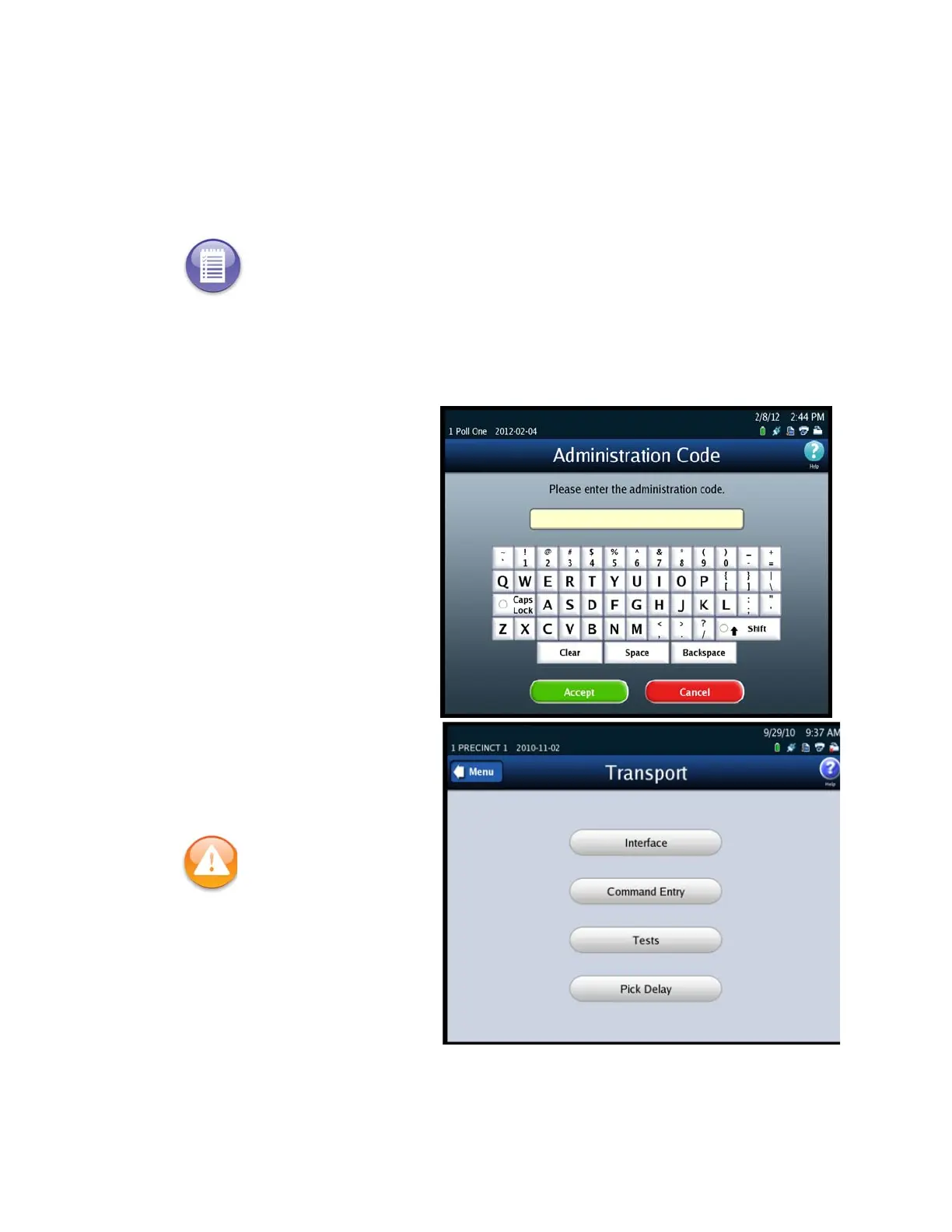
Interface
Command Entry
Tests
Pick Delay
Follow the steps below to access the Transport screen:
1. Press Transport on the Hardware menu.
2. When prompted, enter the
Administration Code.
After you successfully enter
the Administration Code, the
Transport screen is displayed.
Note: If a hardware failure occurs, the scanner will be in a Limited Functionality mode and
some features may not be available.
Warning: Adjustments to
ballot transport settings
should only be made by
trained technicians.



 To Next Page