Chapter 3: DS850 User Interface 39
EVS5200_DOC_SOP_DS850
Software Version 2.10
Published: February 26, 2014
Command Entry
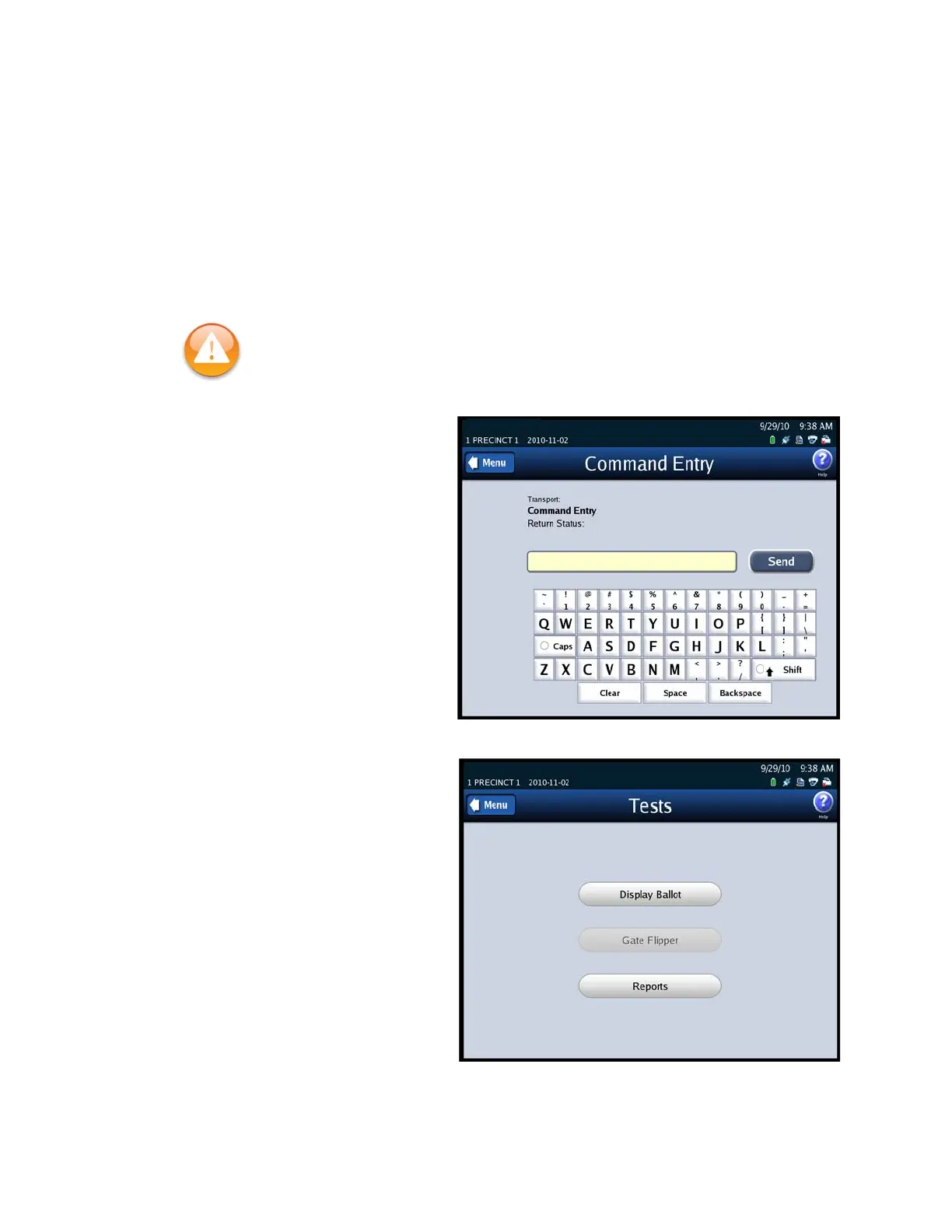
Use the Command Entry screen to manually send commands to the transport.
Follow the steps below to send a command via the Command Entry screen:
1. Press Command Entry on the Transport screen.
2. When the Command Entry screen appears, enter a Command code in the text box
and press Send to manually send the command.
The following is an example of the
Command Entry screen.
Tests
Use the Tests screen to display the
last saved ballot and to print the
Mark Code and Digital Readings
reports. To access the Tests screen,
press Tests on the Transport
screen. The Tests screen lists the
following options:
Display Ballot
Gate Flipper
Reports
The following is an example of the
Tests screen.
Warning: Use of this screen should be limited to ES&S Certified Technicians. See the
ES&S DS850 System Maintenance Manual for additional information.



 To Next Page