Chapter 3: DS850 User Interface 38
EVS5200_DOC_SOP_DS850
Software Version 2.10
Published: February 26, 2014
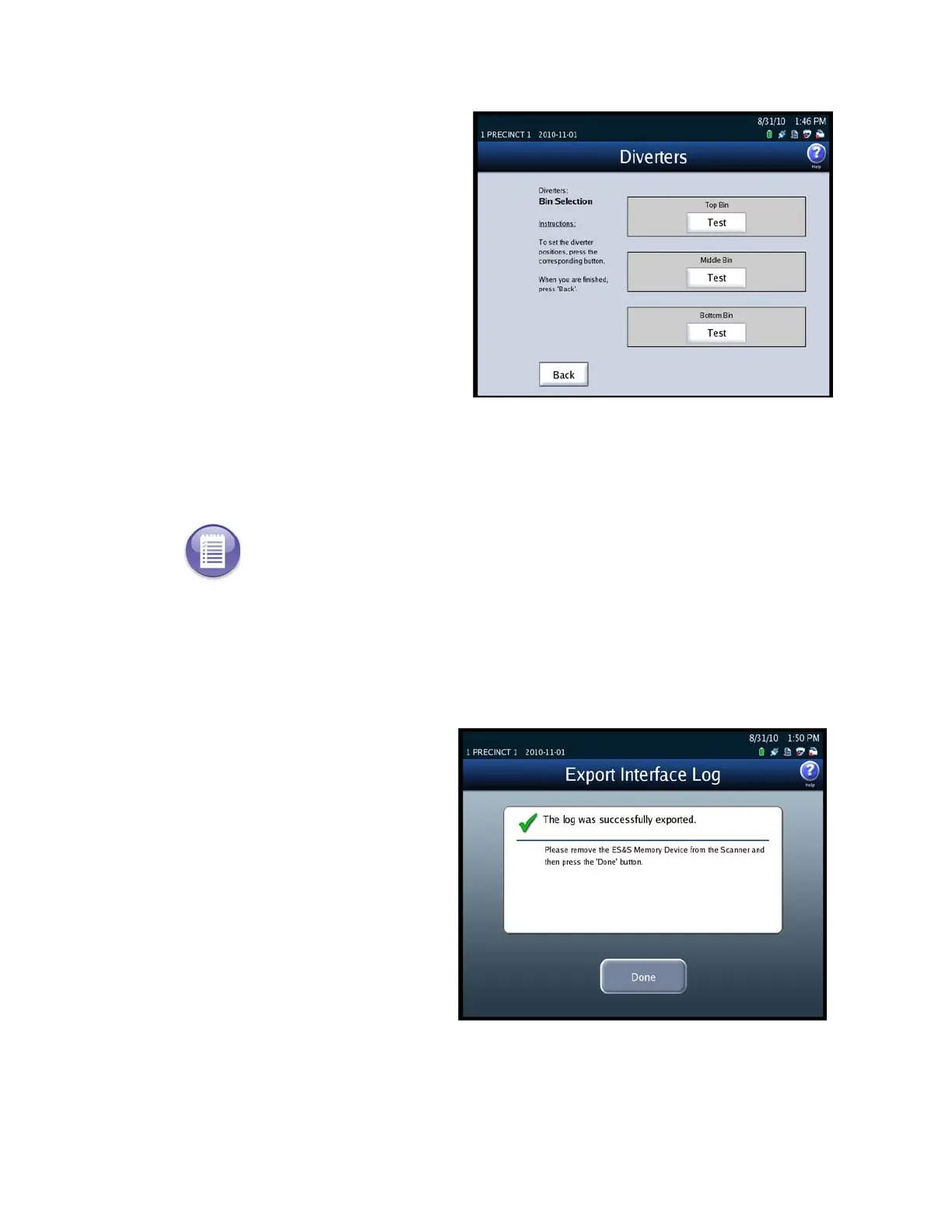
The following is an example of the
Diverters screen.
Export Log
Use the Export Log option to export the interface log to a blank ES&S Media Device
flash drive, if this report is requested by ES&S Technical Support.
Follow the steps listed below to export the contents of the interface log to a USB flash
drive:
1. Insert a blank ES&S Media Device flash drive into one of the USB ports on the
DS850.
2. On the Interface screen, press
Export Log. The following is an
example of the screen that is
displayed when the interface log
has been exported successfully.
3. Remove the ES&S Media Device
flash drive, and then press Done
to close the Export Interface
Log screen.
Note: The Export Interface Log is used by highly skilled engineers and technicians to analyze
the operation of the BAP Image Systems (BAPis) interface to the camera on the DS850.



 To Next Page