Chapter 8: Reports 131
EVS5200_DOC_SOP_DS850
Software Version 2.10
Published: February 26, 2014
2. Select the desired report option by pressing on the option button to the left of it in
the Listing Selection field.
3. Press Preview to the view the report on the touch screen, or press Print to print the
report on the laser printer.
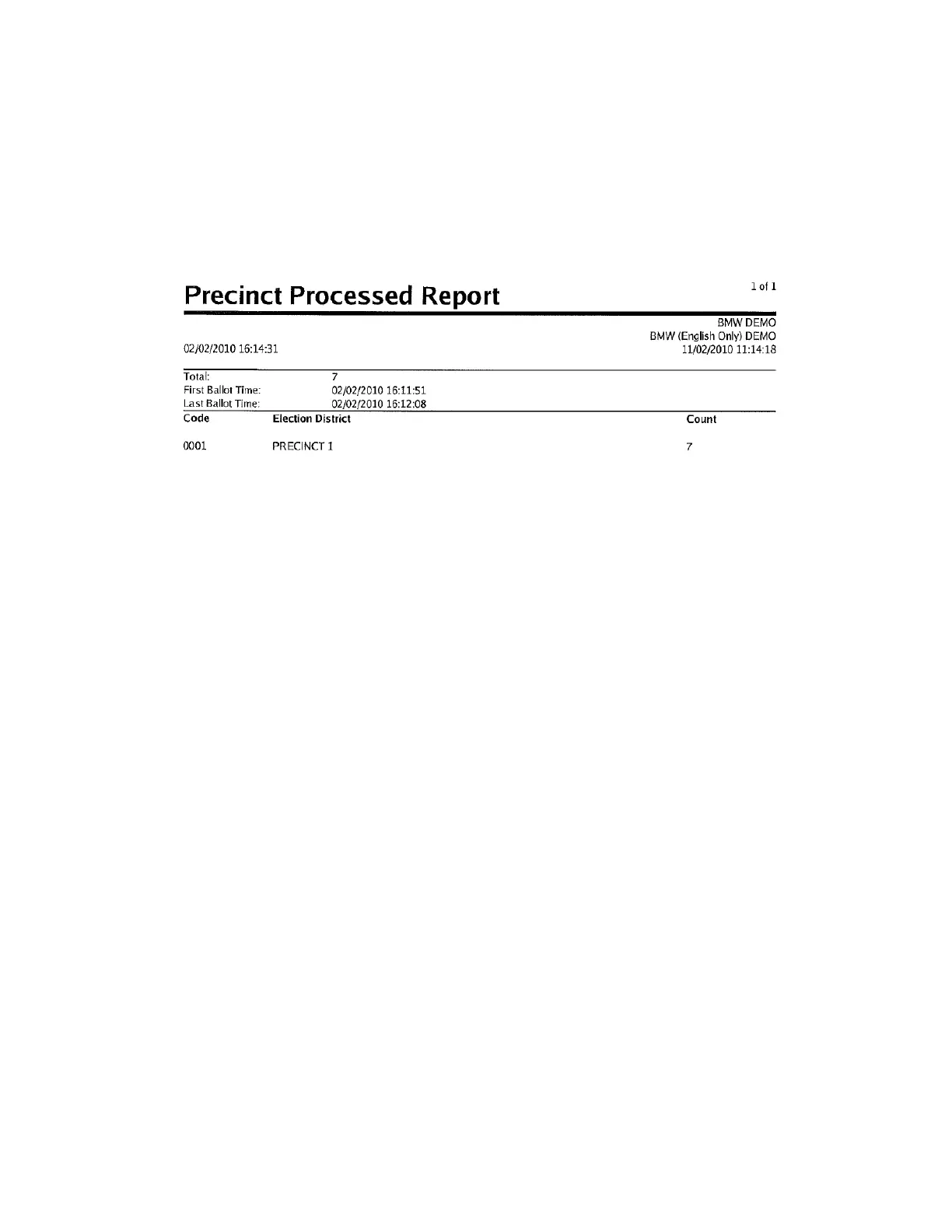
The following is an example of the Precincts Processed Report.



 To Next Page