Chapter 5: Pre-Election Day Tasks 73
EVS5200_DOC_SOP_DS850
Software Version 2.10
Published: February 26, 2014
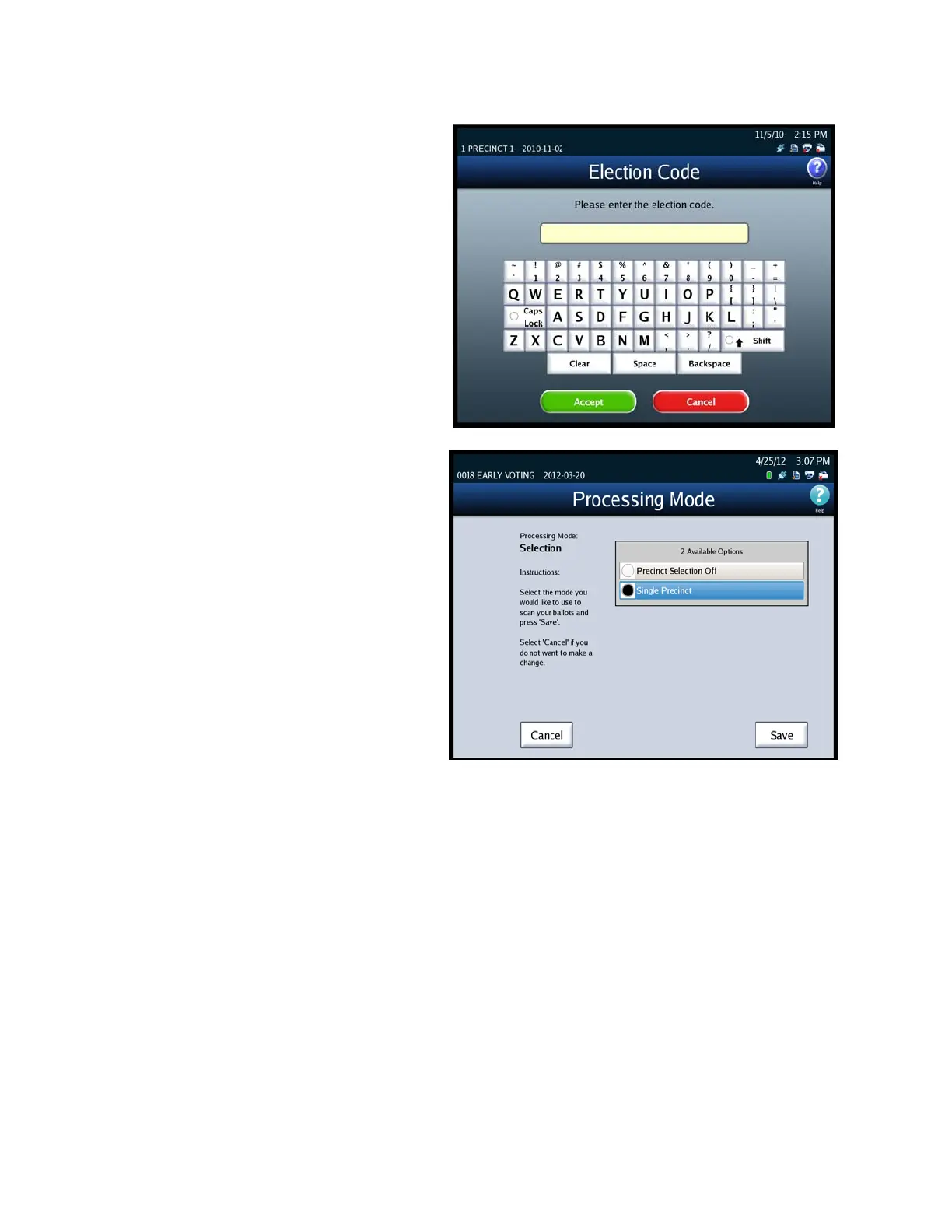
3. When prompted, enter the
Election Code and then press
Accept.
4. When the Processing Mode
selection screen appears,
highlight the desired
Processing Mode by pressing
on it. Then press Save to save
the new Processing mode
setting, or press Cancel to
cancel the change.



 To Next Page