Chapter 5: Pre-Election Day Tasks 84
EVS5200_DOC_SOP_DS850
Software Version 2.10
Published: February 26, 2014
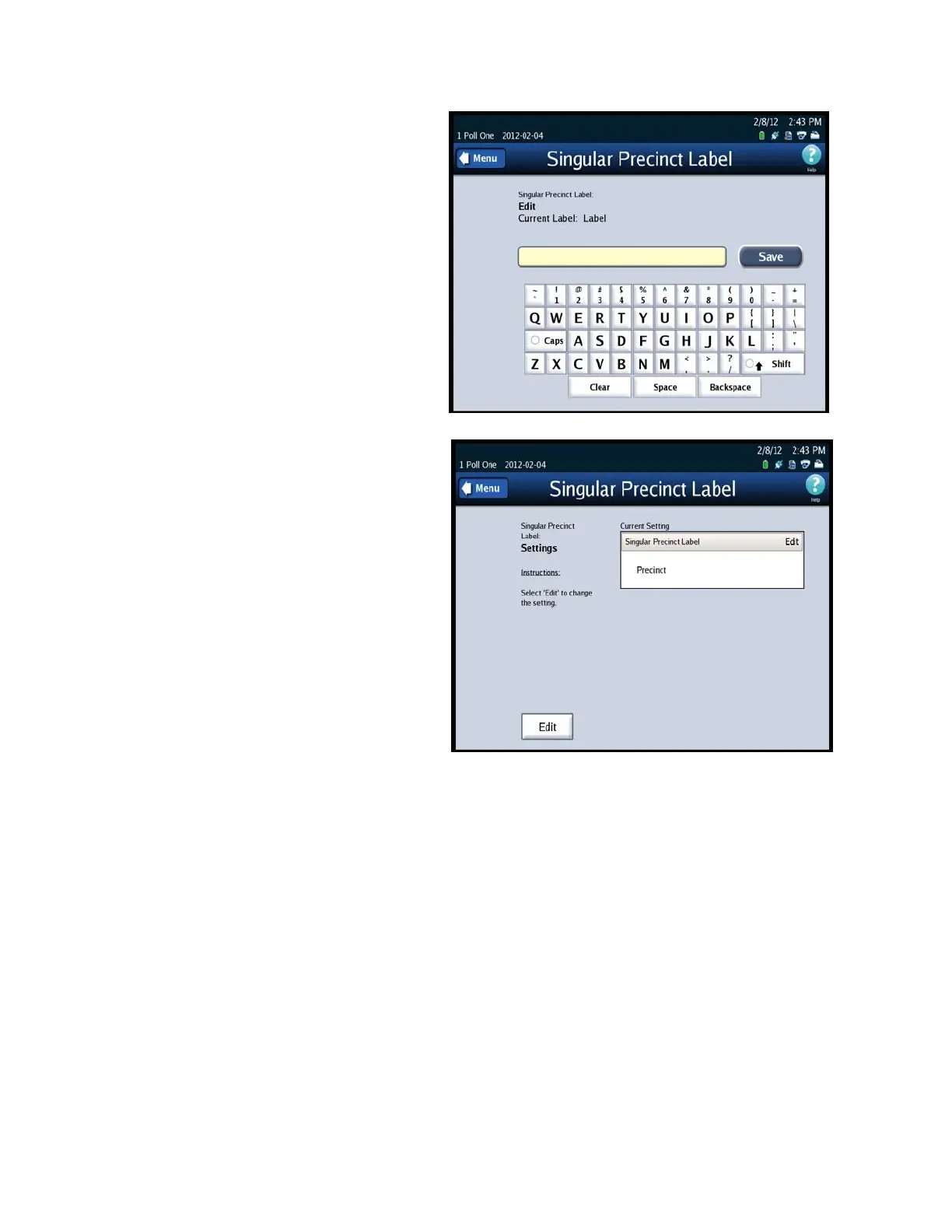
5. Enter the preferred name into
the field by using the
on-screen keyboard. After you
have completed entering the
name press Save.
6. Confirm that the name is
correct, if it is correct select
the Menu button. This will
return you to the Precinct
Labels screen.



 To Next Page