Chapter 6: Election Day Tasks 93
EVS5200_DOC_SOP_DS850
Software Version 2.10
Published: February 26, 2014
d. Slide the ballot guide back toward the
opening until it rests gently against the
ballot stack as shown in the picture on the
right.
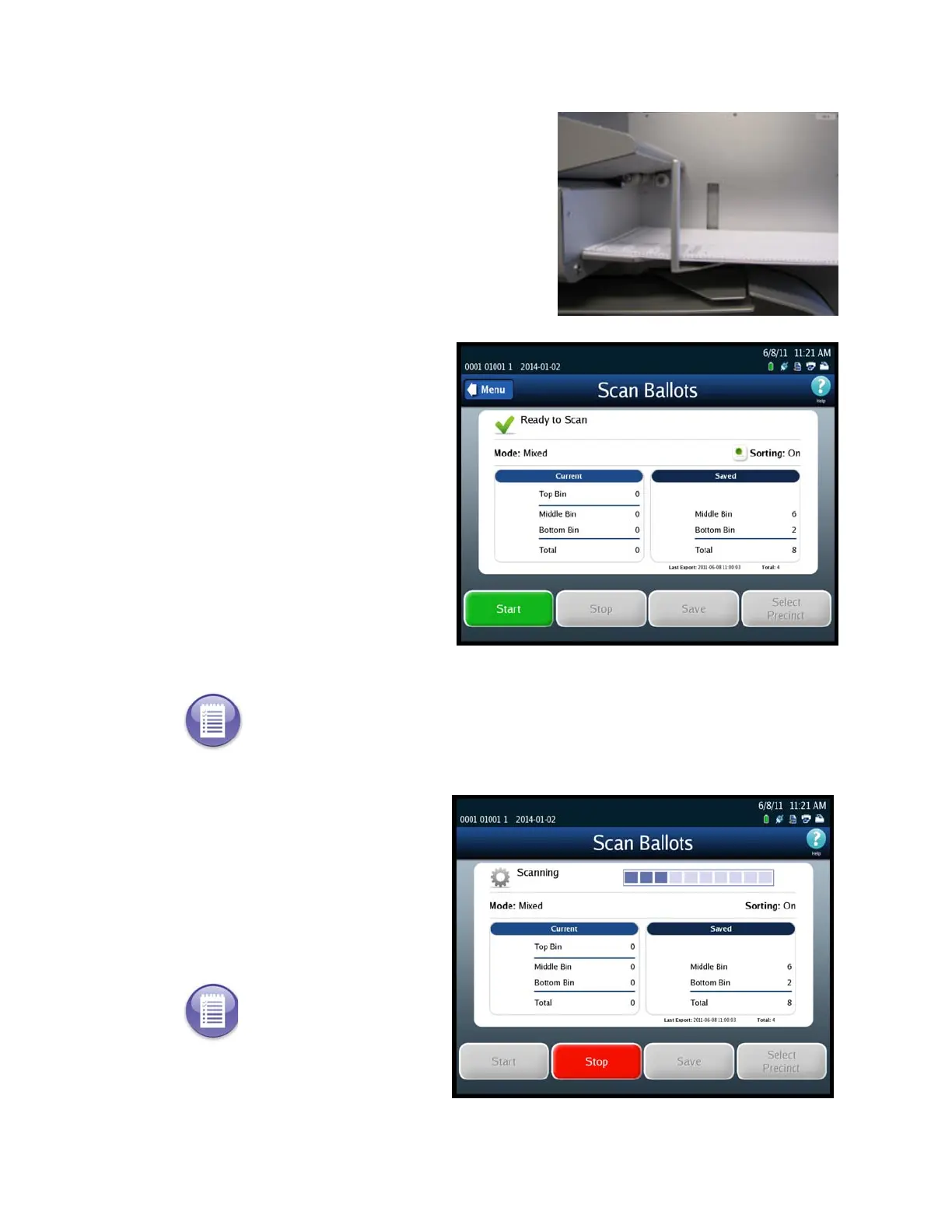
5. Once the ballots have been
loaded, the Scan Ballots screen
appears. Press Start to begin
scanning.
.
While the ballots are being
scanned, the Scanning screen is
displayed. Only the Stop
button is available on this
screen; the other buttons are
dimmed.
Note: If you are required to select a precinct and have not yet done so, the Start button will
be dimmed. The only button that you will be able to use is the Select Precinct button. Press
Select Precinct and follow the steps listed in the Select a Precinct section to search for and
select a precinct. After you have selected a precinct, you will be able to scan ballots.
Note: If you need to stop the
machine before the input
tray is empty, press Stop to
stop scanning. The number
of ballots that have been
scanned will be displayed in
the Current column.



 To Next Page