53
S9 Removing or Cleaning Fan
As part of regular service procedure, it is recommended that the fan is removed for cleaning. Dust will
build up on the fan rotor and in the cavity where the fan is located. This can be removed by the service
person using a hearth brush and a vacuum cleaner.
ISOLATE THE POWER TO THE FIRE BEFORE COMMENCING THIS PROCEDURE.
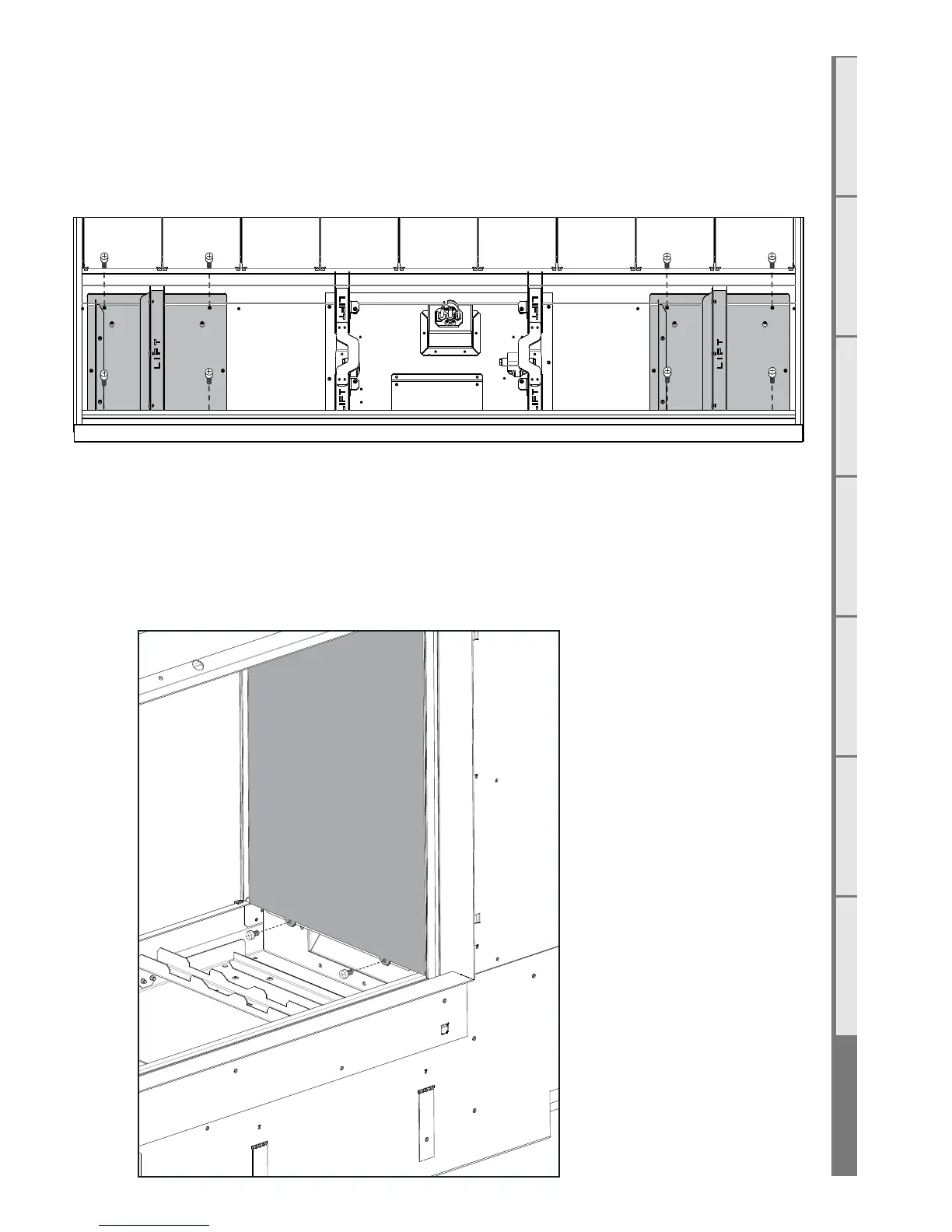
Screw Locations
S10 Removing the Control Tray
ISOLATE THE POWER TO THE FIRE BEFORE THIS PROCEDURE.
Refer to Step 1 of Section E6
S11 Pressure Switch Removal
1. With the infill removed, remove the 3 screws in the reflective panel (shown shaded in the diagram
below). carefully remove the panel from the firebox.



 To Next Page