Troubleshooting
52
Bench Top User’s Manual
8.2 Operator Error and Additional Troubleshooting
ELECTRIC SHOCK! Before working on the power circuits, unplug
chamber. Unplug the specimen power and Time Signal connectors
from their sockets. Also, take measures to prevent accidental
charging.
Working with primary power supply ON runs the risk of electric shock.
Unplug power from the chamber BEFORE opening the electrical
compartment panel.
This section explains problems not found with chamber self-checks and cases of operator error. If the
issue is not resolved after taking the prescribed action, contact the place of purchase or Espec North
America.
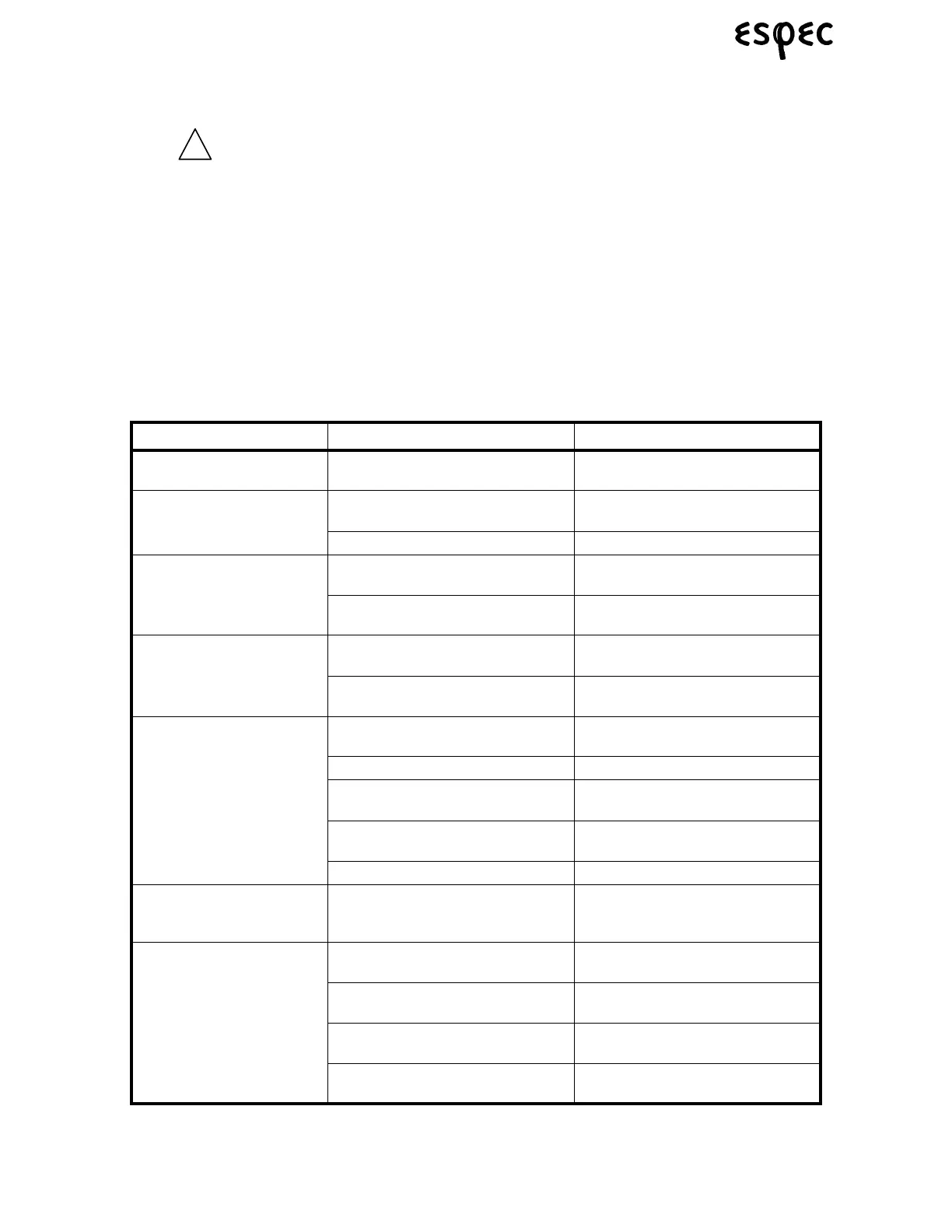
TABLE 8.4. OPERATOR ERROR AND ADDITIONAL TROUBLESHOOTING
Trouble Cause Remedial Action
The instrumentation panel
does not light up.
Primary power supply is OFF. Activate the primary power supply.
Strange odors are detected.
Lingering odors inside the chamber. Clean the test area. See “Mainte-
nance” on page 45.
Specimens are generating odors. Remove the source of the odor.
The chamber is wet on the
outside.
The room is highly humid. There is nothing wrong with the
equipment. Proceed as planned.
The door is not completely latched. Close the door. See “Door Opera-
tion” on page 33.
Temperature (& Humidity) is
unstable.
Ambient temperature changes more
than 5°C/hr.
Stabilize ambient temperature and
resume testing.
High heat load equipment is being
turned ON/OFF.
Reduce the heat load.
Temperature heat-up/pull-
down rate does not satisfy
specifications.
The door is not completely latched. Close the door. See “Door Opera-
tion” on page 33.
Specimen heat load is high. Reduce the amount of specimens.
Ambient temperature is too low/
high.
Raise/lower ambient temperature.
The condenser is clogged. (models
without LN2 only)
Clean the condenser. See “Mainte-
nance” on page 45.
Poor LN2 Supply (BT-1LN only) Verify LN2 supply to chamber.
Temperature gradually rises
higher than the target tem-
perature.
Specimens are generating heat. Reduce the amount of heat gener-
ated by specimens.
Temperature (or Humdity)
rises or lowers too slowly.
The door is not fully latched. Close the door. See “Door Opera-
tion” on page 33.
Specimens are generating heat. Reduce the amount of heat gener-
ated by specimens.
Ambient temperature is too low or
too high.
Raise or lower the ambient tempera-
ture.
Circuit protector for compressor or
heater is tripped.
Reset circuit protector. If it trips a
second time call for service.



 To Next Page