15 Advanced Manual Control 181
Using [Undo]
Undo is a method to reverse or “undo” certain operations performed in the software.You can use
[Undo] to reverse any command that results in a change to data that would be saved to the show
file or any command that changes manual levels in live.
If there are any commands in the command line, pressing [Undo] once clears the command line.
Once the command line is empty, pressing [Undo] will start the undo process.
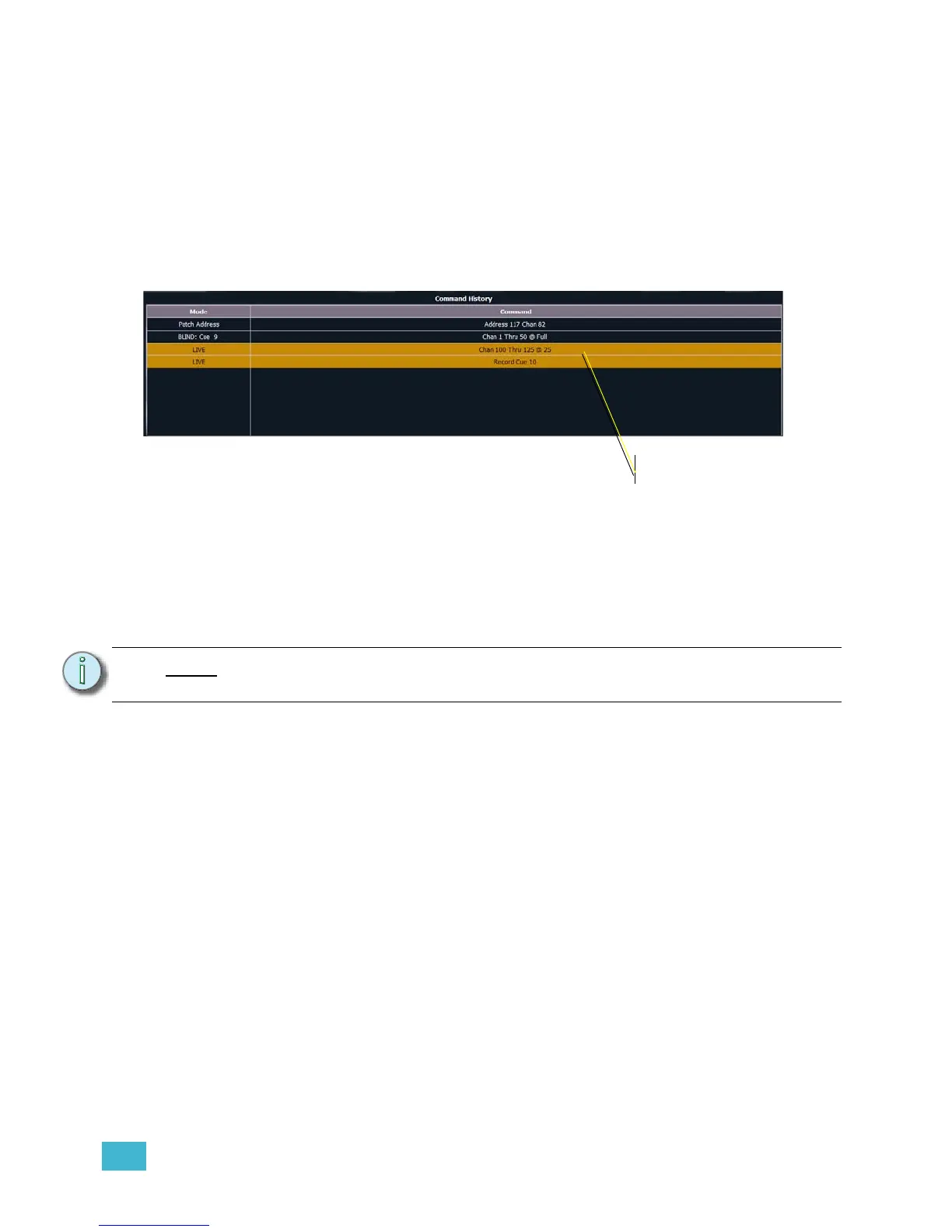
When [Undo] is pressed from an empty command line, the command history display will open in
the CIA and the most recent completed command is highlighted in gold. If you press [Enter], you
will undo your last command. [Shift] + [Clear] can be used to clear the command line as well.
You may use the page arrow keys to select multiple commands. When [Enter] is pressed an
advisory is posted. When [Undo] is pressed again, all highlighted commands will be undone and
subsequently removed from the command history. When removing more than one command, a
confirmation is required.
After an Undo has been performed, a {Redo} button will appear in the command history. You may
press this button followed by [Enter] and the last undo will be “redone” to reinstate the removed
commands.
Note:
Not all commands can be undone including playback actions and manual
attributes placed on channels.














 To Next Page