6 Patch 49
[At] [Next]
[At] [Next] [Enter] finds the next available address range large enough to accommodate the
selected device.
Examples of [At] [Next]:
• [At] [2] [/] [Next] [Enter] - finds the next available address range on universe 2.
• [At] [7] [7] [7] [Next] [Enter] - finds the next available address after 777.
• [At] [/] [9] [Enter] - patches address 9 on the same universe that was last used.
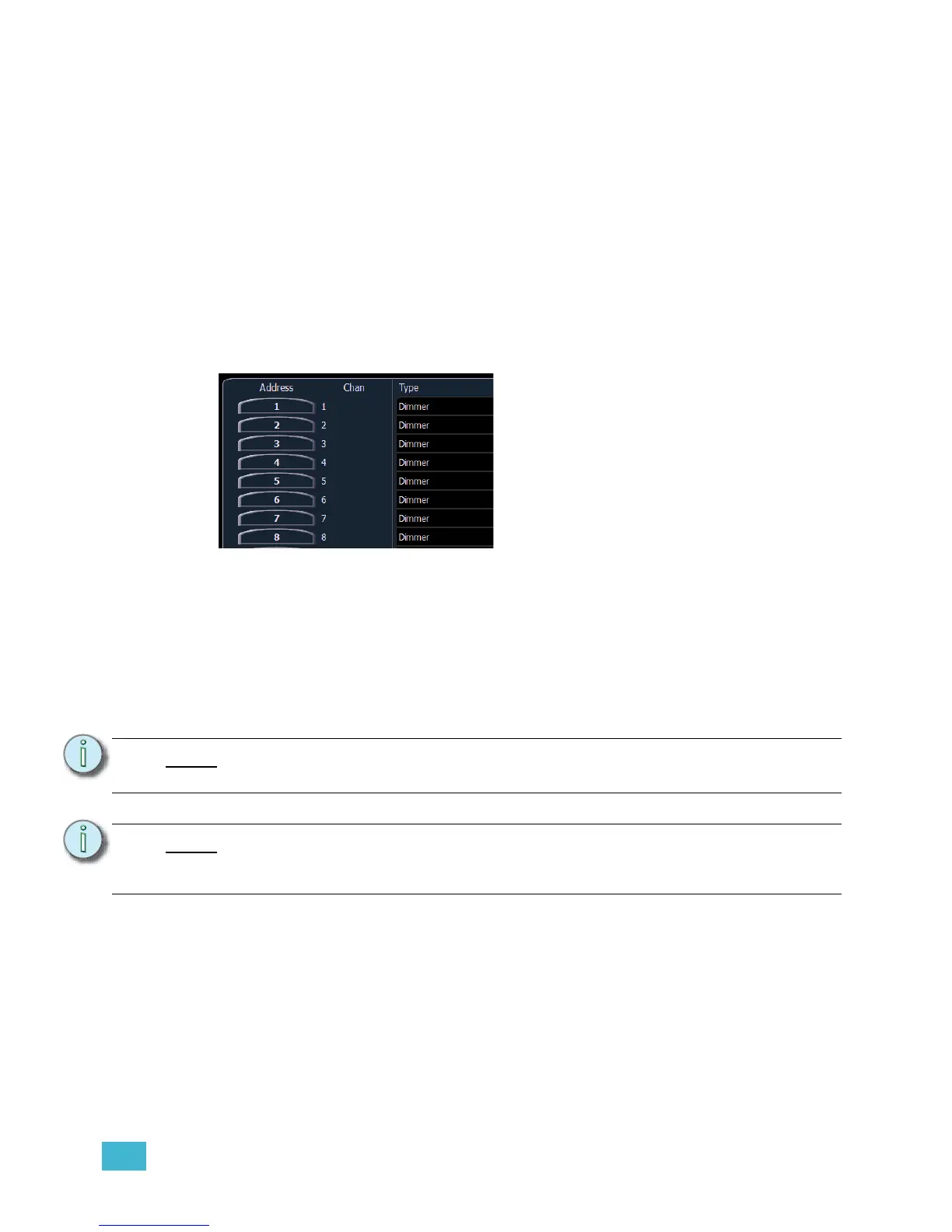
Patching By Address
Pressing [Format] while in the patch display will toggle the mode between patch by channel and
patch by address.
[2] [0] [At] [1] [Enter] patches address 20 to channel 1. Pressing [At] will post channel to the
command line while patching by address.
Additional examples of patch by address:
• [5] [At] [1][0][0] [Enter] - patches address 5 to channel 100.
• [2][0][3] [At] [1][2] [Enter] - patches address 203 to channel 12.
Note:
An address can not be assigned to multiple channels, but a channel can have
multiple addresses assigned to it.
Note:
If, at any point, you try to patch an address that is already in use, Element will post
an advisory to indicate this, preventing you from duplicating addresses in your
patch.














 To Next Page