18 Storing and Using Curves 193
Creating and Editing Curves
Creating a Curve
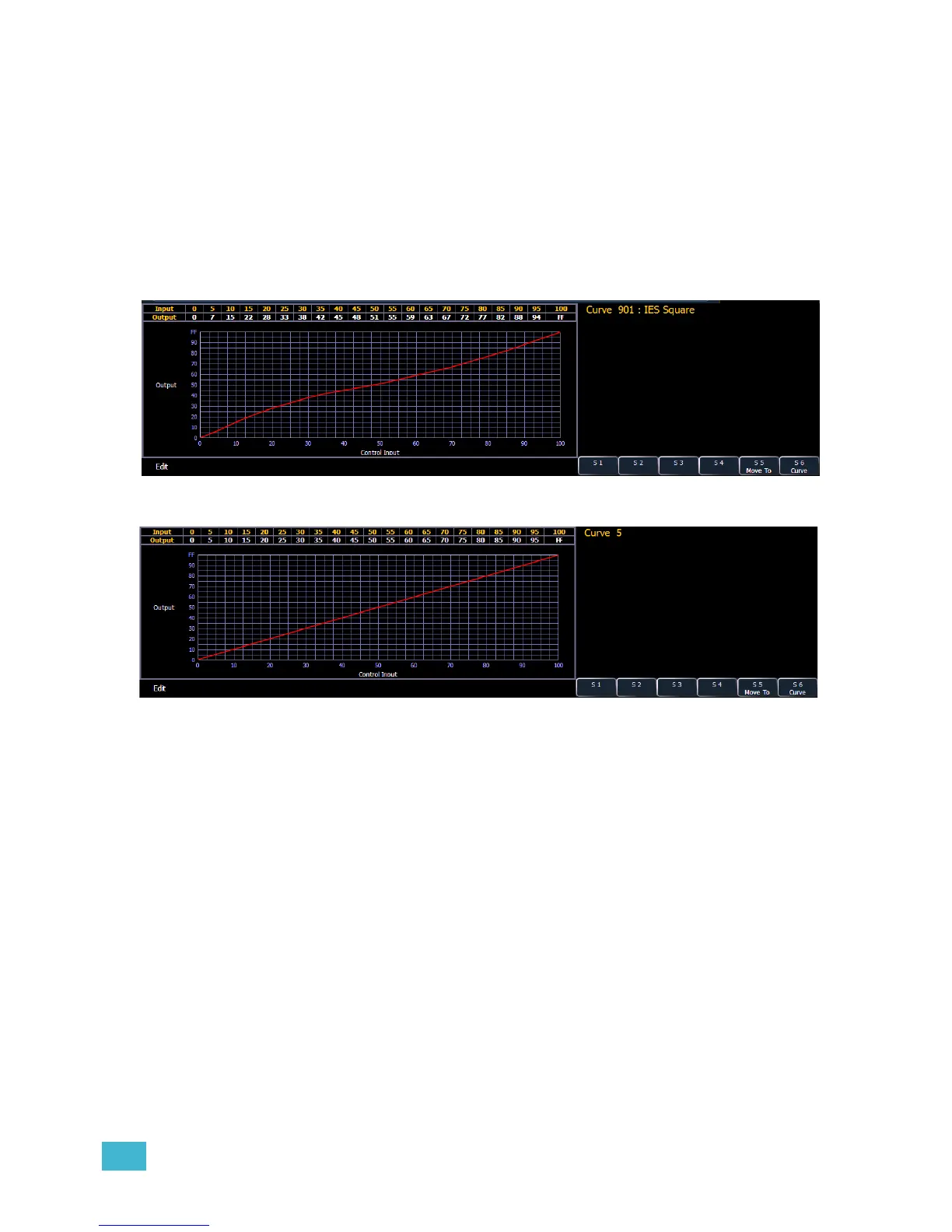
When you have opened the curves display (see About Curves, page 192), you can select a curve
or create a new curve by pressing:
• {Curve} [x] [Enter]
If the curve is already stored, the contents are displayed in the CIA. If this is a new curve, a linear
curve is displayed.














 To Next Page