20 Using Magic Sheets 207
Magic Sheet Display
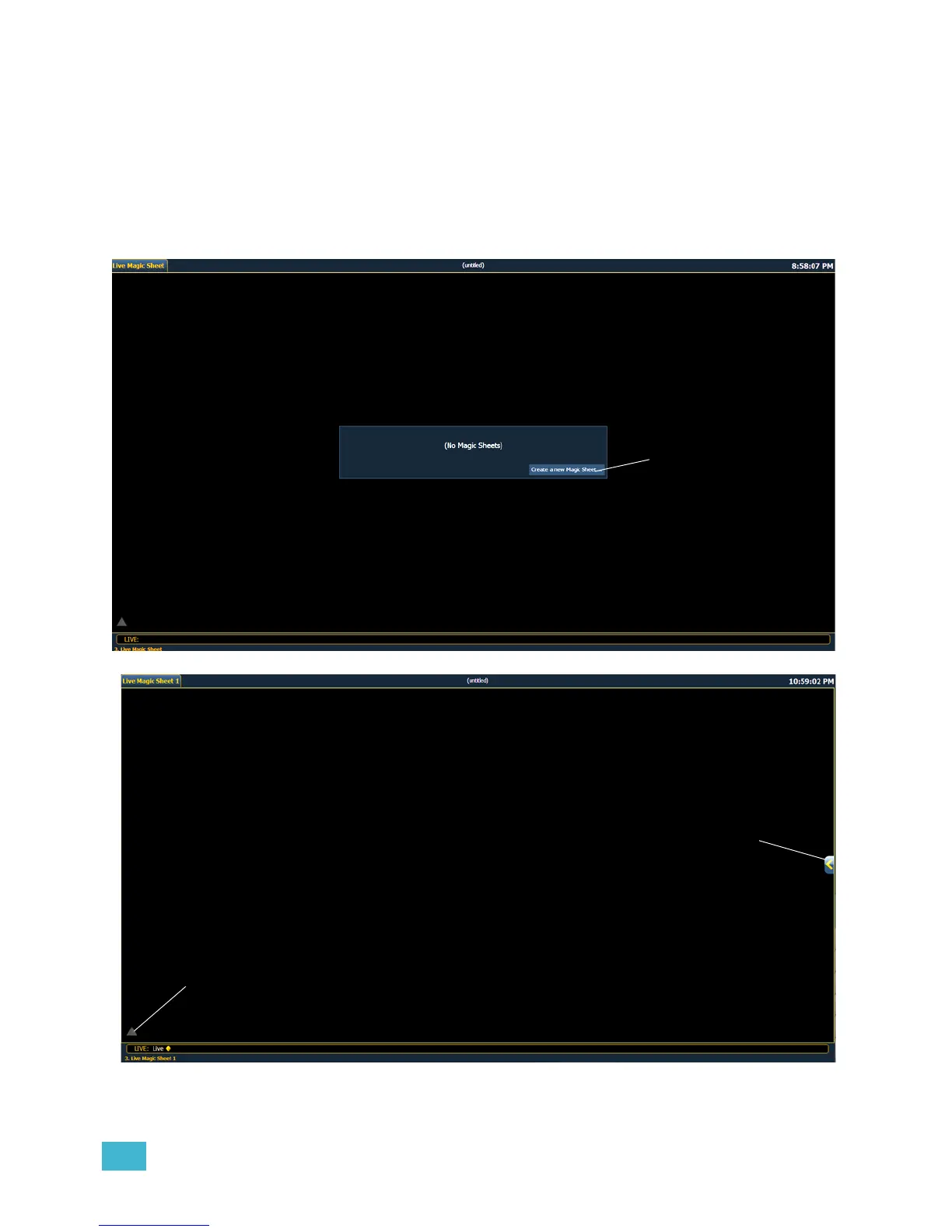
You can first open the magic sheet display by pressing [Displays] {Magic Sheet} [Enter], or you
can navigate within the browser to Displays> Magic Sheet Display> new and press [Select].
After you have created a magic sheet, you can recall a specific magic sheet, by pressing [Displays]
{Magic Sheet} [#] [Enter] or you can navigate within the browser to Displays> Magic Sheet
Display and press [Select].
All available magic sheets will be displayed in the magic sheet browser.














 To Next Page