258 Element User Manual
Remote Focus Remote (RFR)
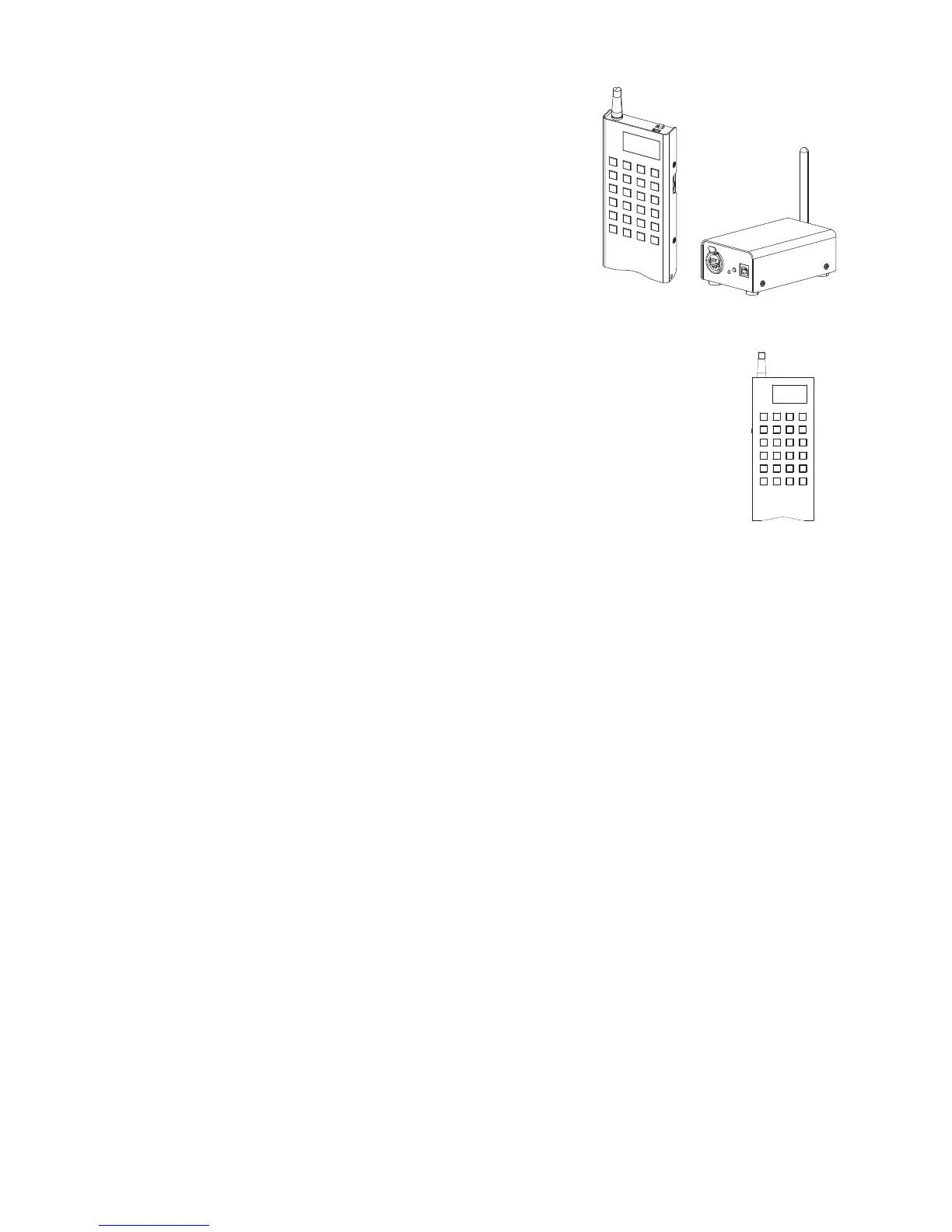
The Net3 Radio Focus Remote (RFR) provides remote
access to frequently used console features such as dimmer
and channel checks as well as update and record functions.
The RFR handheld remote and receiver unit features a high
frequency (HF) link for bi-directional communication with a
connected console. During operation, the system status can
be viewed on the LCD of the remote.
RFR connections must be enabled in Setup. See “{RFR
Settings}” on page 43.
Handheld Remote
The RFR handheld unit features 24 backlit buttons and two push-button thumb
wheels, one on either side for scrolling to desired targets and selecting them for
interaction. The top side of the remote has an on/off power switch, a high
frequency antenna and a USB Mini-B port. The USB Mini-B connection is used to
supply power for the internal rechargeable NiMH AA batteries.














 To Next Page