186 Element User Manual
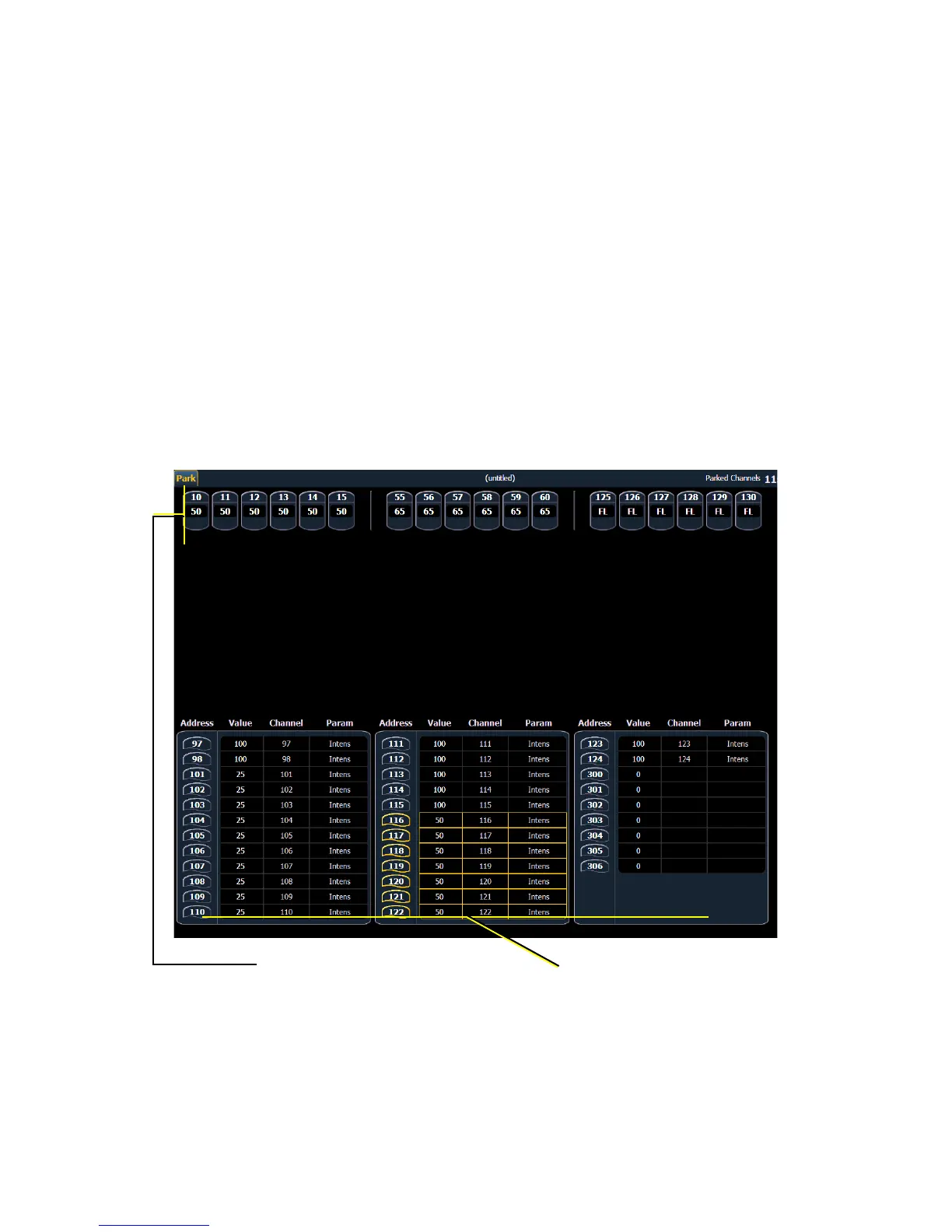
Park Values from the Park Display
You can park and unpark channel parameters or addresses from the park display. Open the display
by pressing [Park]. While in this display, it is assumed that you want to park channels or
parameters, therefore the use of the {Park} softkey is not necessary when parking, but is used for
unparking. You can also use [At] [Enter] to unpark.
Following are examples for parking channel parameters from the park display:
• [3] [At] [4] [5] [Enter] - parks channel 3 at 45%.
• [3] {Color Palette} [4] [Enter] - parks color for channel 3 at color palette 4.
Following are examples for clearing parked values while in the park display:
• [channel list] {Park} [Enter] - unparks channels in the list.
• [channel list] [At] [Enter] - unparks channels in the list.
Below are examples for parking addresses in the park display:
• [Dimmer/Address] [5] [At] [5] [0] [Enter] - parks address 5 at 50% intensity.
• [Dimmer/Address] [5] [At] [Enter] - unparks address 5.














 To Next Page