20 Using Magic Sheets 215
description of what they do. Settings for objects can be adjusted in the MS Object Properties area.
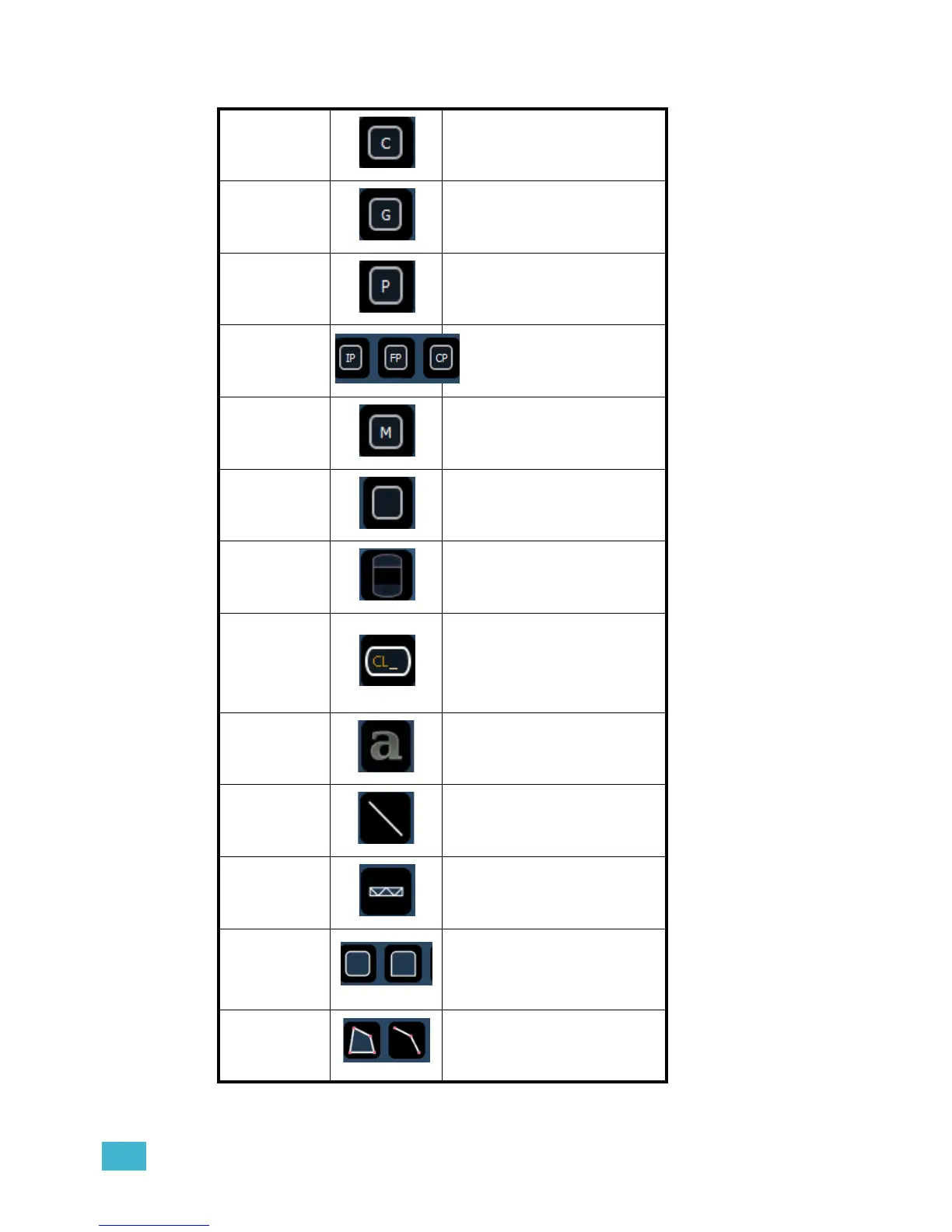
Channel
acts as a direct select for a
channel.
Group
acts as a direct select for a
group.
Preset
acts as a direct select for a
preset.
Palettes
acts as a direct select for a
palette.
Macro
acts as a direct select for a
macro.
Blank can be assigned a target.
Tombstone
mirrors the channel indicators
from the live/blind summary
view.
Command
Line
mirrors the command line. Can
be assigned to mirror the
command line for any user.
Multiple command lines for
different users can be used.
Text
places descriptive text on the
sheet. The text can also be
assigned a target.
Line
draws a line. Examples of use
could be as a pipe for fixtures
or a divider between buttons.
Truss places truss.
Shapes
draws shapes that can have a
target assigned to them or
could be used to represent set
pieces.
Points
allows for free form creation of
objects.














 To Next Page