26 Element User Manual
Spreadsheet (Blind Only)
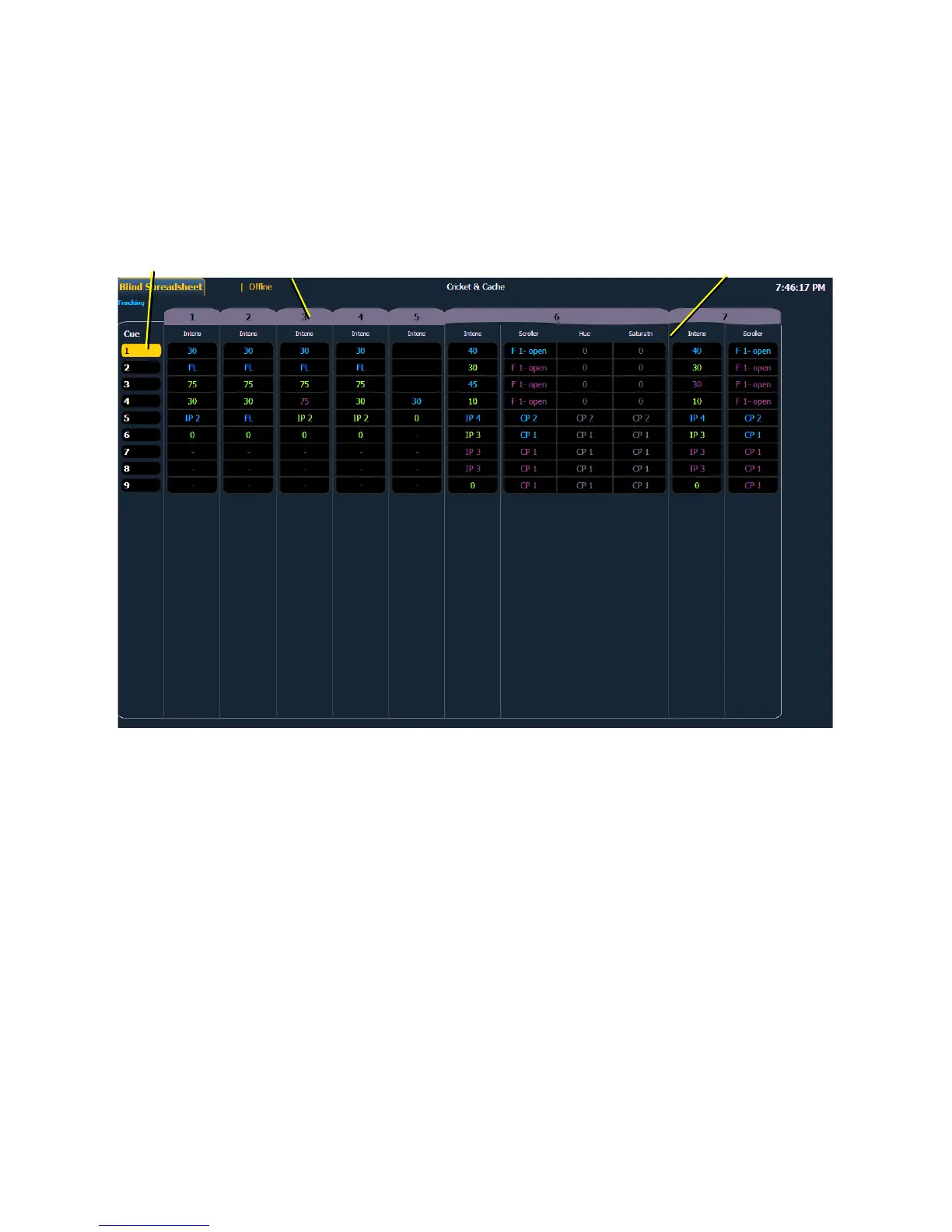
Spreadsheet format is available only in blind mode. It is useful for viewing and editing channel data
and trends for multiple cues, submasters, or palettes at one time. Cues and other record targets are
displayed on the vertical axis and channel data is visible on the horizontal axis. See “Recording and
Editing Cues from Blind” on page 116.
To toggle between viewing just the intensity information and other parameters, press [Shift] &
[Format].














 To Next Page