9
121
Eversense E3 CGM User Guide
Alerts
Alert Descriptions and Actions (continued)
App DisplayDescription
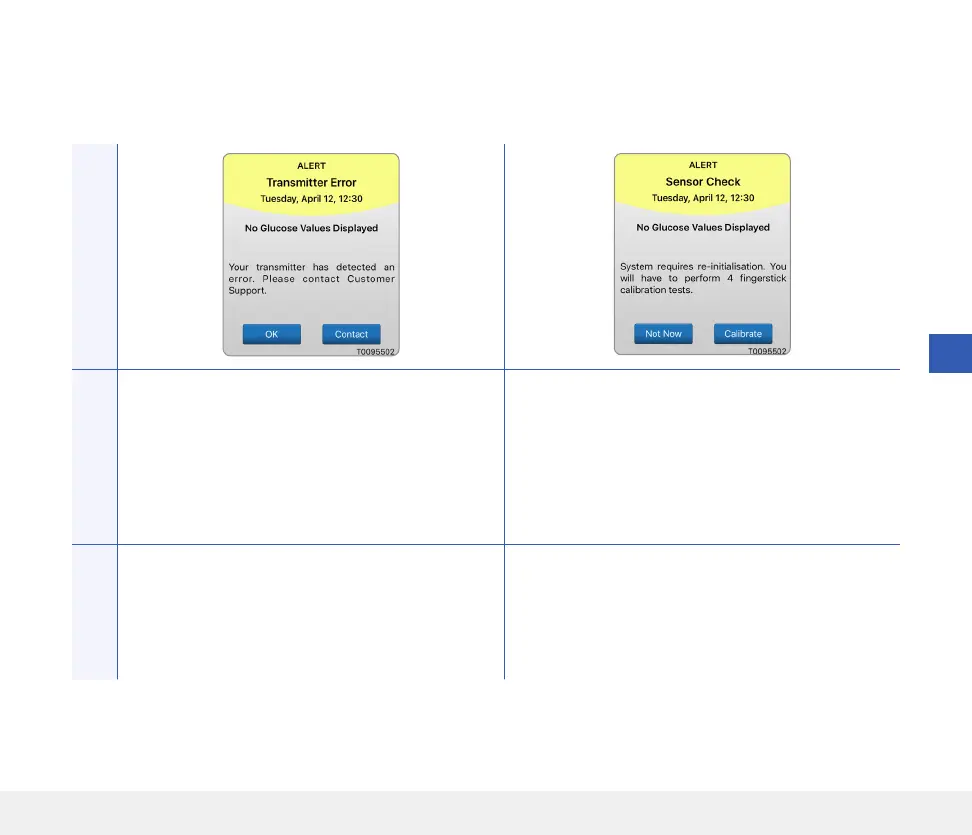
Smart Transmitter Error*
Appears when the system’s internal checks detect a
smart transmitter error.
No glucose readings are displayed until the error is
corrected.
Sensor Check
Appears once when the system’s internal checks
detect instability with the sensor which requires
a return to calibration Initialisation Phase.
No glucose readings can be displayed until the
second successful calibration has been entered.
Actions
Follow the steps shown in the Troubleshooting
section to reset your smart transmitter. If you are
unable to complete the reset, contact Customer
Support.
In the Initialisation Phase, you must perform
4 fingerstick calibration tests spaced 2-12 hours
apart. Display of glucose readings will resume after
the 2nd successful fingerstick calibration test.



 To Next Page