9
123
Eversense E3 CGM User Guide
Alert Descriptions and Actions (continued)
Alerts
App DisplayDescription
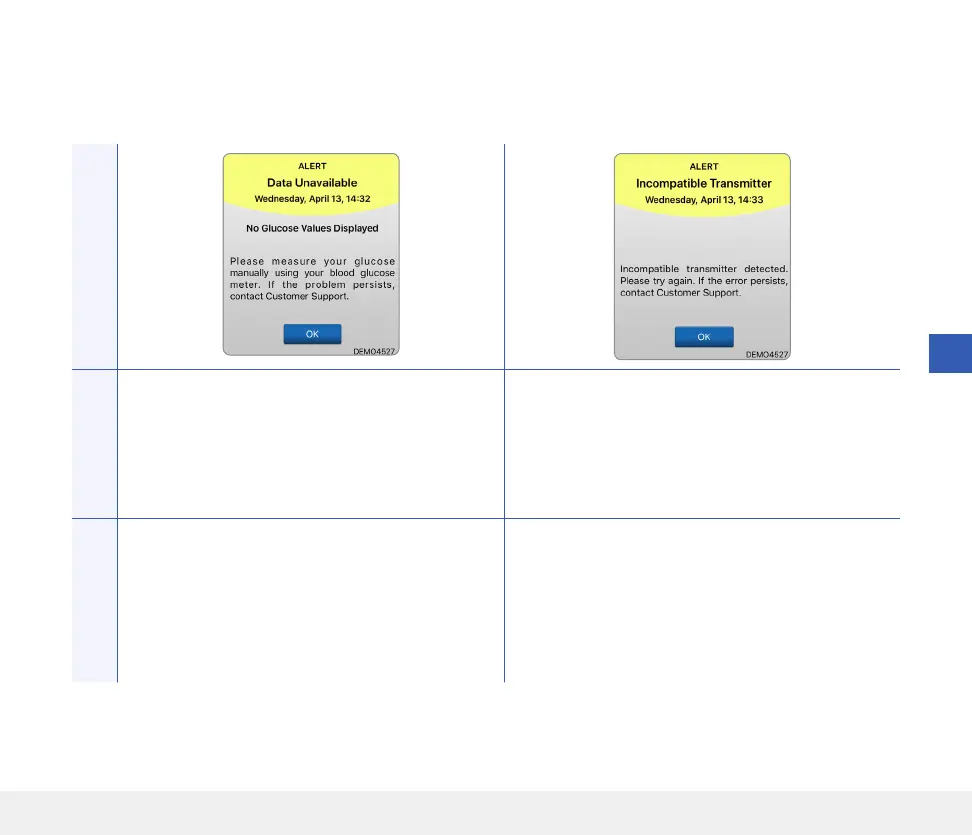
Data Unavailable
Appears when the system’s internal checks detect a
system error.
No glucose readings are displayed until the error is
corrected.
Incompatible Transmitter Detected*
Appears during linking when the system detects the
transmitter is incompatible with the sensor.
Actions
Plug the charging cradle with cable into a wall outlet
or USB port. Put the smart transmitter into the
cradle and remove it. If the condition persists, follow
the steps shown in the Troubleshooting section to
reset your smart transmitter. If you are unable to
complete the reset, contact Customer Support.
Try linking again. If the error is displayed on the
second attempt, contact Customer Support.



 To Next Page