124
Eversense E3 CGM User Guide
9
Alerts
App DisplayDescription
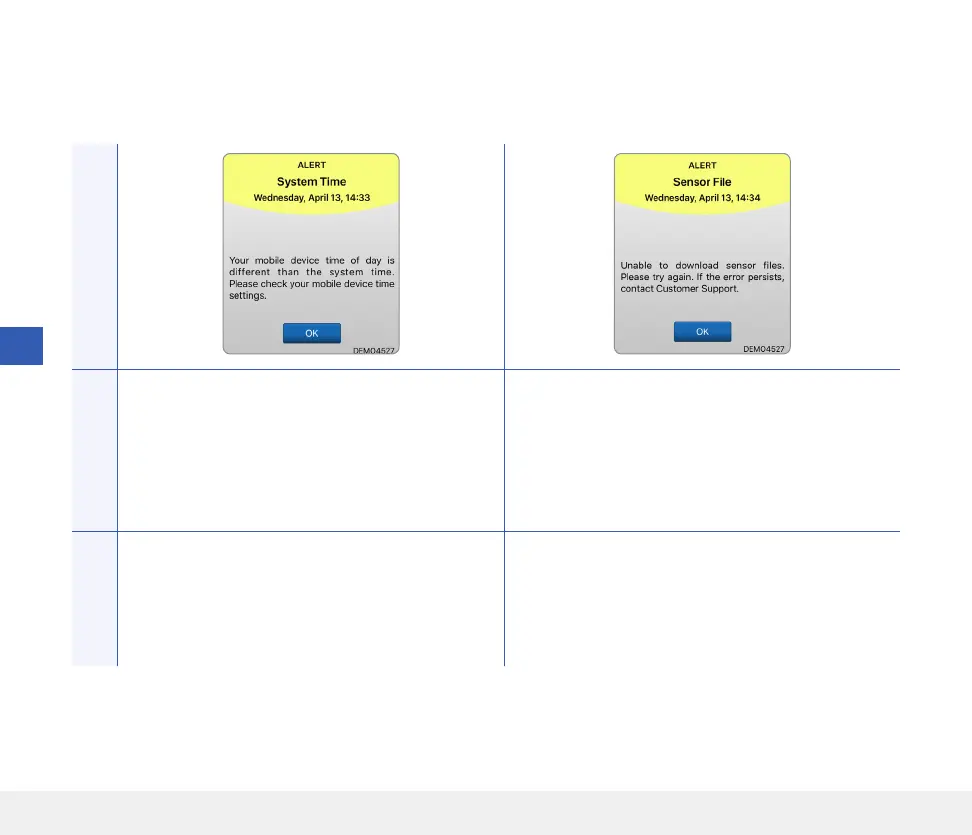
System Time Error
Appears when your system detects a discrepancy
in time between your mobile device clock and the
system clock.
Sensor File Error*
Appears when the system detects a problem during
linking.
Actions
Set your mobile device clock to your current
local time. If the issue persists, contact Customer
Support.
Try linking again. If the error is displayed on the
second attempt, contact Customer Support.
Alert Descriptions and Actions (continued)



 To Next Page