9
125
Eversense E3 CGM User Guide
Alert Descriptions and Actions (continued)
Alerts
App DisplayDescription
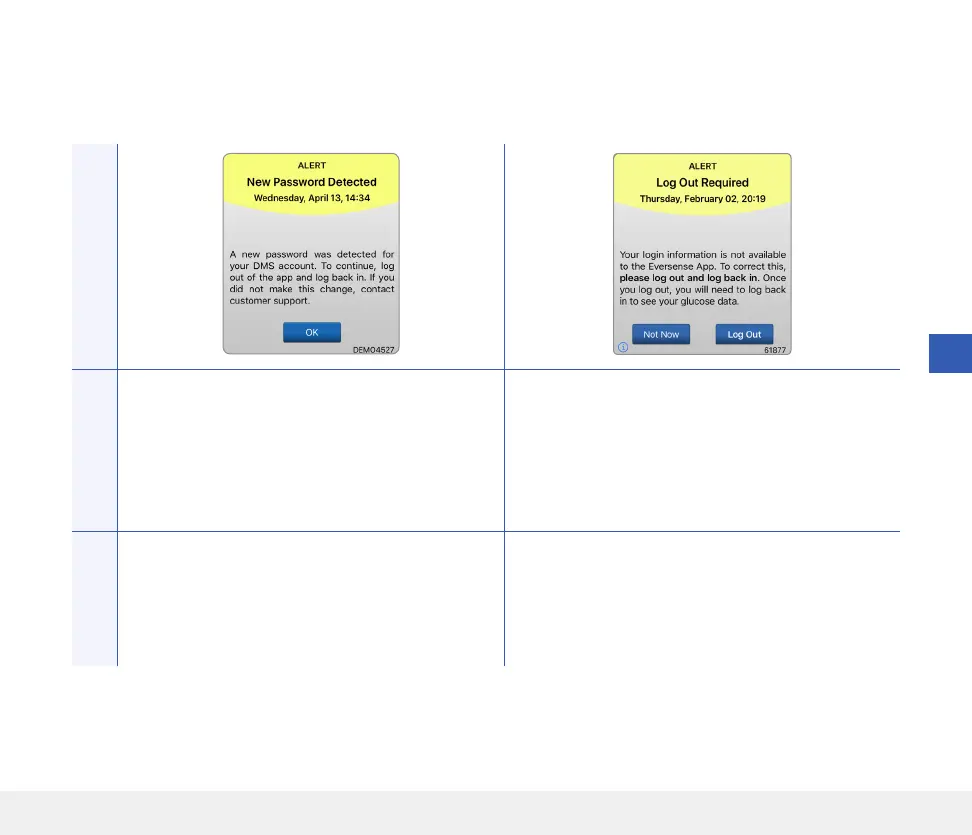
New Password Detected
Appears once when the system detects the
password was changed via your Eversense DMS
account.
Log Out Required
Appears every 24 hours for iOS users when the
system detects that your Eversense credentials
are not available via the iOS keychain feature.
Actions
Log out of the mobile app and log back in with the
new password.
Log out of the mobile app and log back in with your
existing username and password.



 To Next Page