126
Eversense E3 CGM User Guide
9
Alert Descriptions and Actions (continued)
Alerts
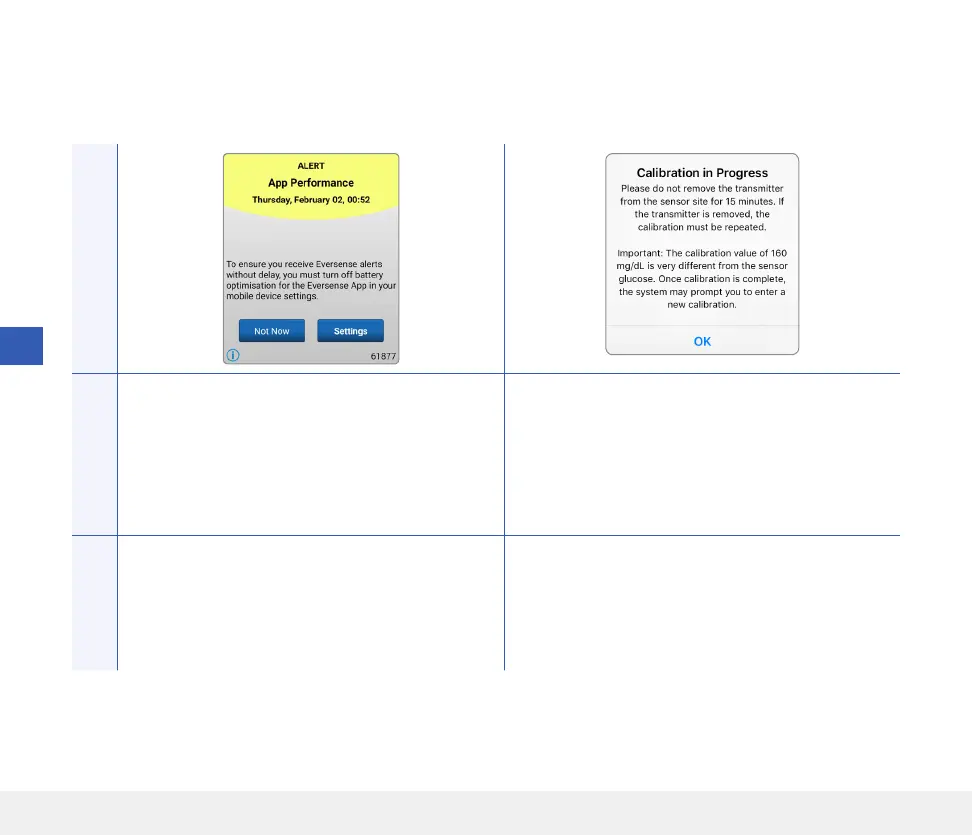
App DisplayDescription
App Performance*
Appears every day for Android operating systems
when the system detects frequent app crashes
due to the Eversense App being included in battery
optimisation settings.
Calibration In Progress
Appears when your calibration value is significantly
dierent from your sensor glucose value.
Actions
Go to your phone’s battery optimisation settings
and turn o for the Eversense App to ensure
Eversense alerts are not delayed.
Do not remove your transmitter for 15 minutes.
Re-calibrate when prompted.



 To Next Page