9
127
Eversense E3 CGM User Guide
Alert Descriptions and Actions (continued)
Alerts
App DisplayDescription
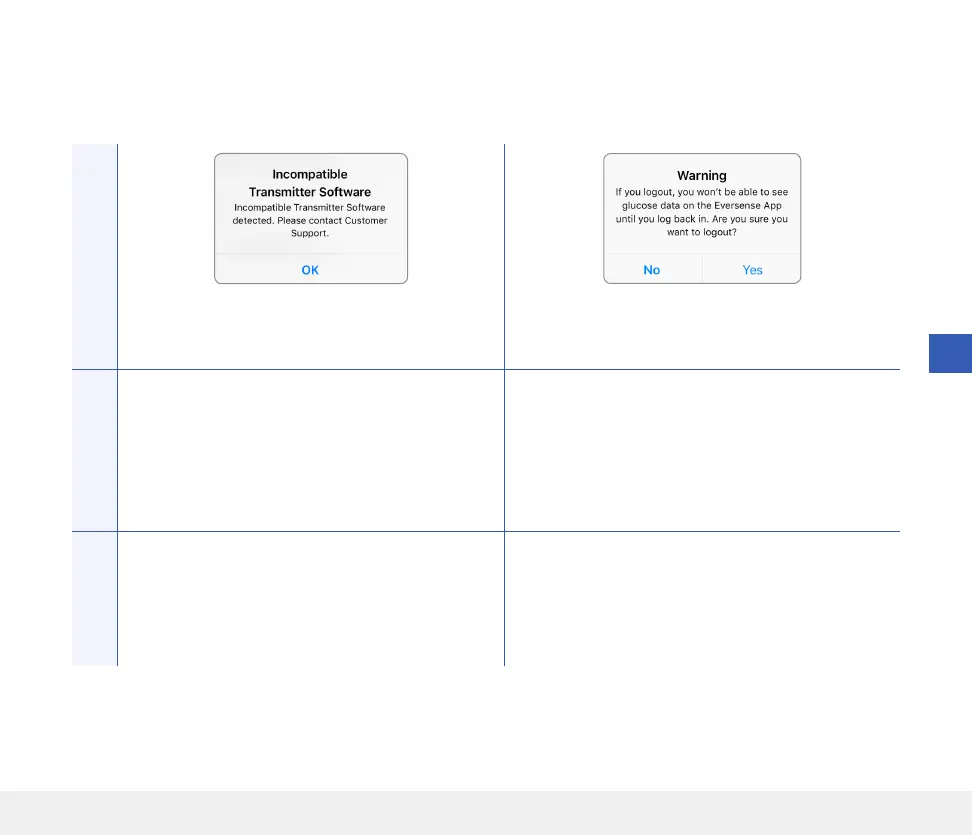
Incompatible Transmitter Software
Appears when the software in your smart transmitter
is incompatible with the Eversense CGM Mobile App
version on your mobile device.
Log Out Warning
Appears when you attempt to log out of the mobile
app. If you log out, you will not be able to view
glucose data in the Eversense mobile app.
Actions
Contact Customer Support. Remain logged in to the mobile app to continue
viewing your glucose data. If you log out, you must
log back in with your username and password to
continue using the app.



 To Next Page