14
162
Eversense E3 CGM User Guide
Alerts and Notifications Displayed on the Apple Watch (continued)
Alerts
Apple Watch
Display
Description
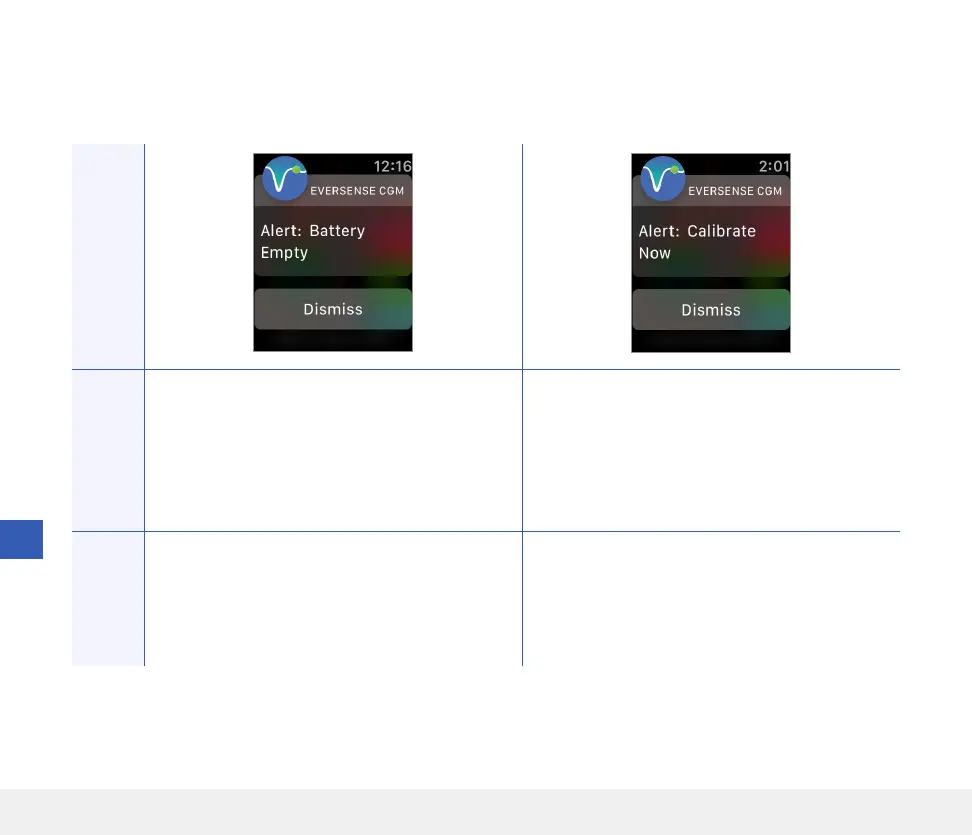
Battery Empty
Appears once when your smart transmitter battery
is empty and needs to be charged.
No glucose readings can be displayed until the
smart transmitter is charged.
Calibrate Now
Appears to alert you that your calibration is due. If
you do not calibrate within 4 hours, glucose values
will no longer be displayed.
Actions
Confirm the alert on your Eversense CGM Mobile
App. Charge the smart transmitter immediately.
Remove the smart transmitter from your body
before connecting it to the power supply.
Confirm the alert on your Eversense CGM Mobile
App. Tap Calibrate on your mobile device to
enter a calibration value.



 To Next Page