14
163
Eversense E3 CGM User Guide
163
Eversense E3 CGM User Guide
Alerts and Notifications Displayed on the Apple Watch (continued)
Apple Watch
Display
Description
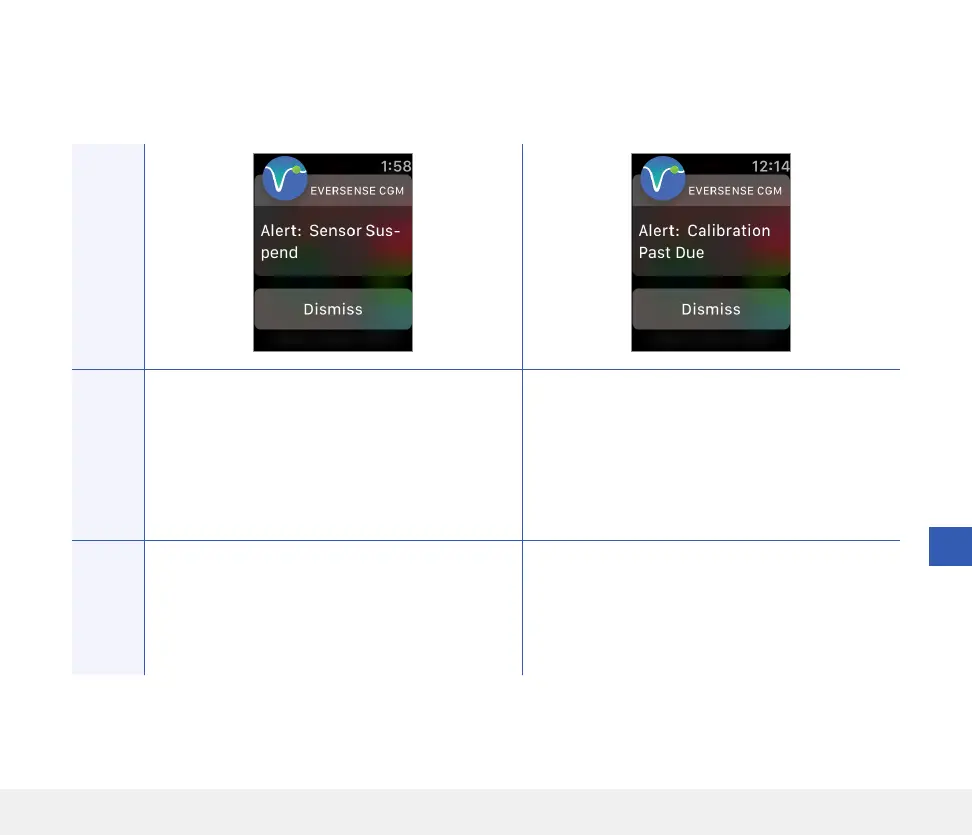
Sensor Suspend
Appears when the system’s internal checks detect a
need to restart the Initialisation Phase for additional
calibrations. Glucose values will be displayed a few
minutes after the second successful calibration
during the Initialisation Phase.
Calibration Past Due
Appears when your system is past due for
calibration.
No glucose readings can be displayed until
calibration is entered in the Eversense CGM
Mobile App.
Actions
Confirm the alert on your Eversense CGM Mobile
App. Re-initialisation of the system begins in
6 hours.
Confirm the alert on your Eversense CGM Mobile
App. Perform a fingerstick calibration in order
to resume displaying glucose values.
Alerts



 To Next Page