14
172
Eversense E3 CGM User Guide
Alerts and Notifications Displayed on the Apple Watch (continued)
Apple Watch
Display
Description
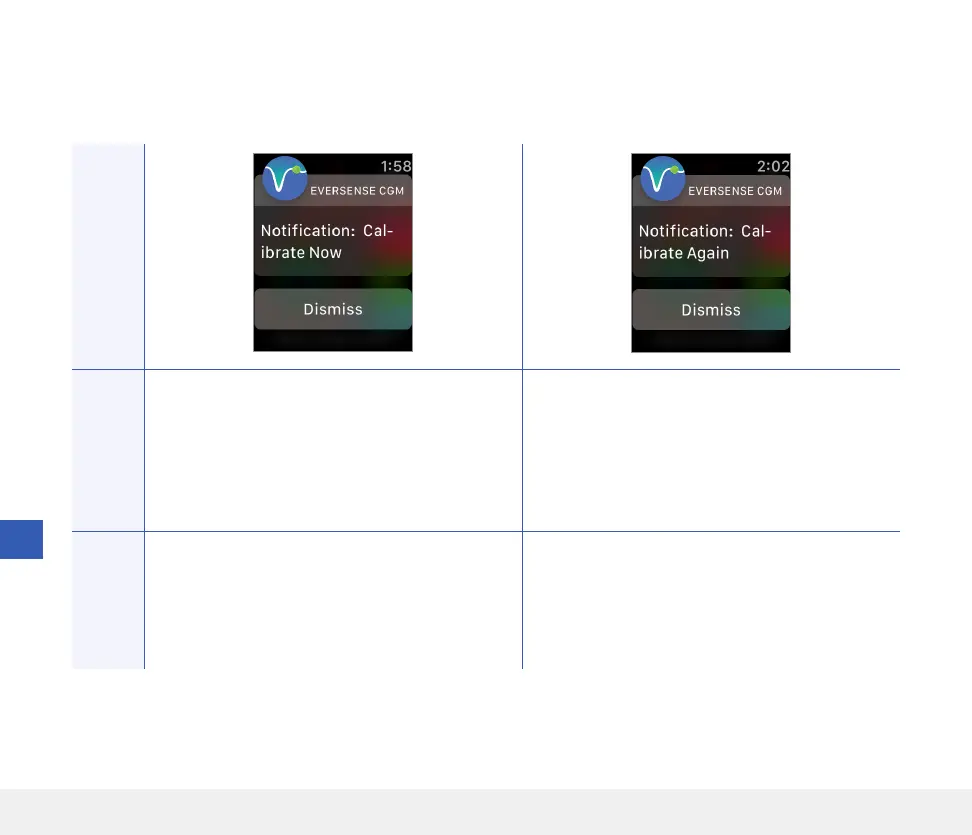
Calibrate Now
Appears when it is time for you to calibrate when
the system is in Initialisation Phase or after a
calibration has been entered that is very dierent
from the sensor glucose.
Calibrate Again
Appears when not enough data has been collected
during calibration.
Actions
Confirm the alert on your Eversense CGM Mobile
App. Do a fingerstick blood glucose test and enter
the reading as your calibration value. DO NOT use
an alternative site (such as forearm) to obtain your
blood glucose reading.
Confirm the alert on your Eversense CGM Mobile
App. Tap Calibrate on your mobile device to
enter a new calibration value.
Notifications



 To Next Page