226
Eversense E3 CGM User Guide
20
Symbols on the Eversense CGM Mobile App (continued)
Symbol Explanation
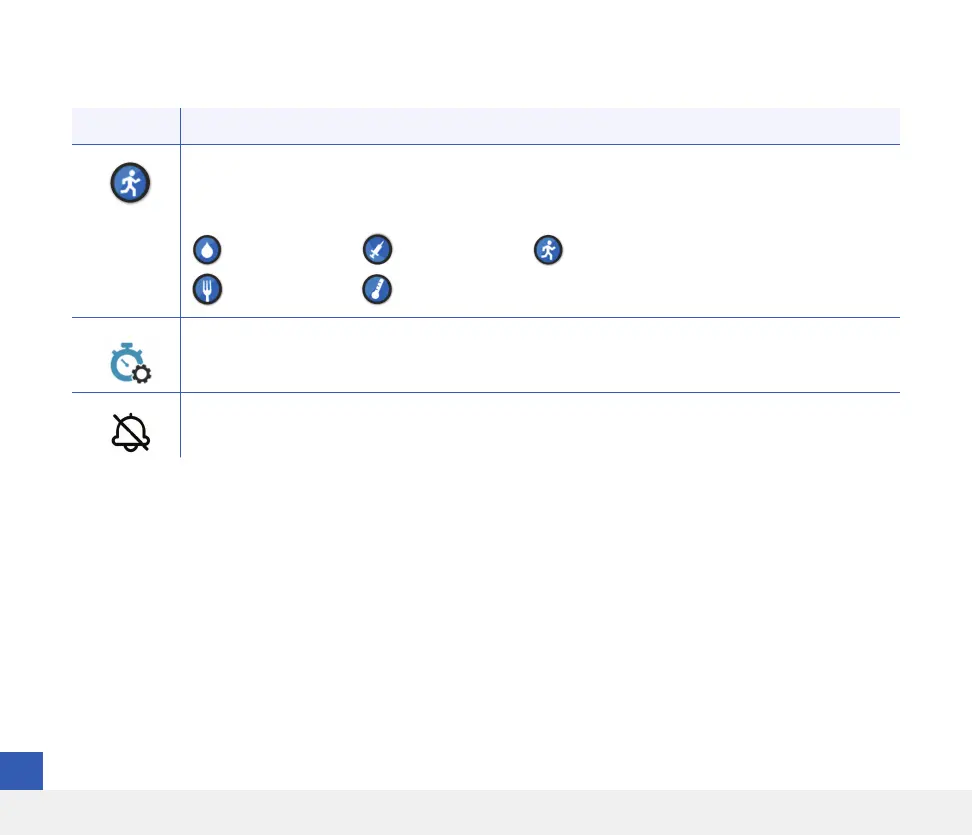
Event Icons
Appear on the glucose trend line and in the EVENT LOG after an event is entered.
The events that can be entered are:
Glucose
Meals
Insulin
Health
Exercise
Temp Profile
Appears when the Temp Profile is active.
Do Not Disturb (DND)
Appears when the DND setting is active.



 To Next Page